In Timelint, service desk is inside projects.
Support isn’t a separate universe — it’s delivery work with SLAs and boundaries.
What a service desk project is
A service desk project is a project with:
- the normal project ticket workspace
- a client portal for intake and replies
- SLA and contract-hour context attached to tickets
- extra service-desk-specific views where they add something useful
That means you still get the normal project ways of working:
- list view
- kanban board
- statuses and ticket types
- the same ticket detail view your team already uses
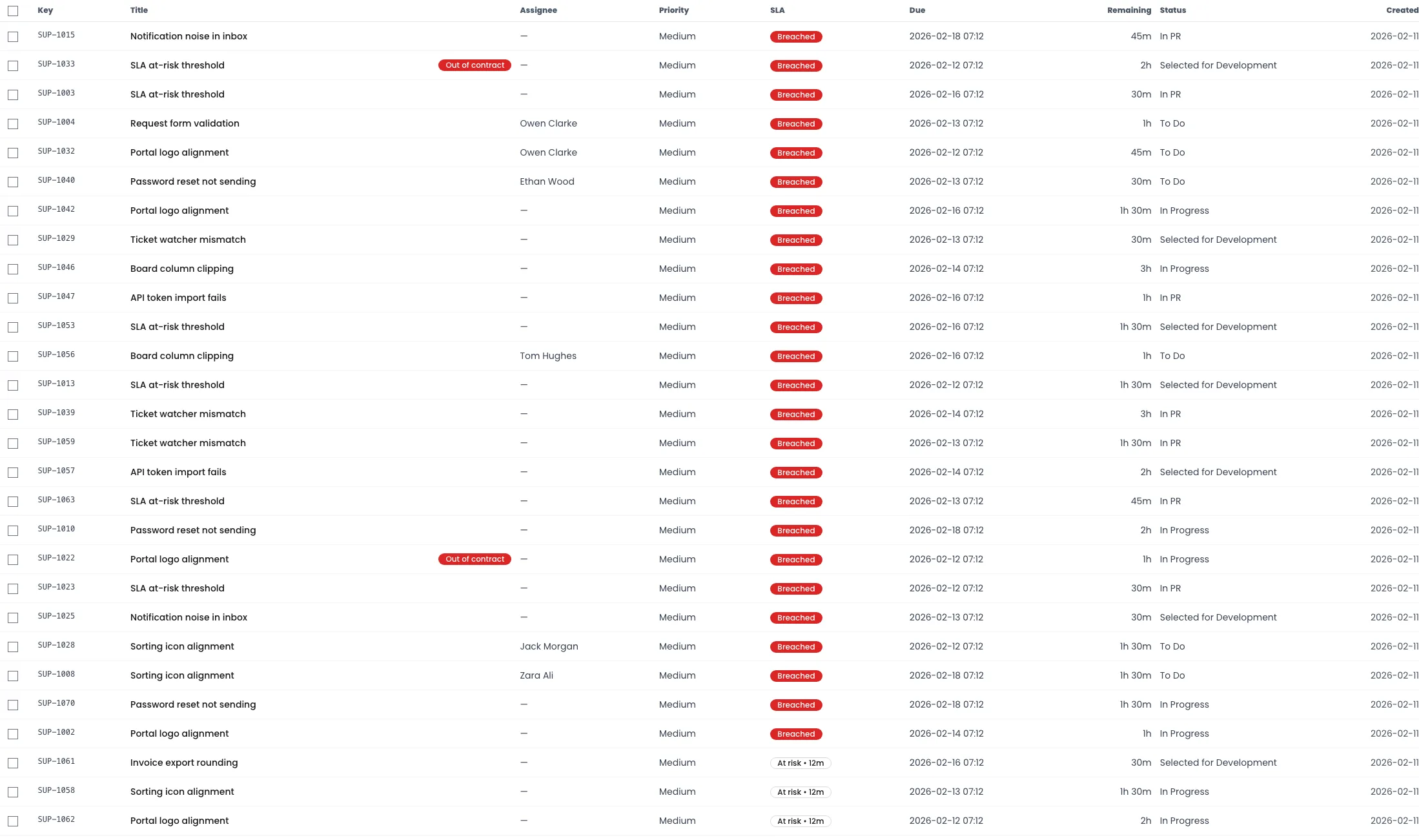
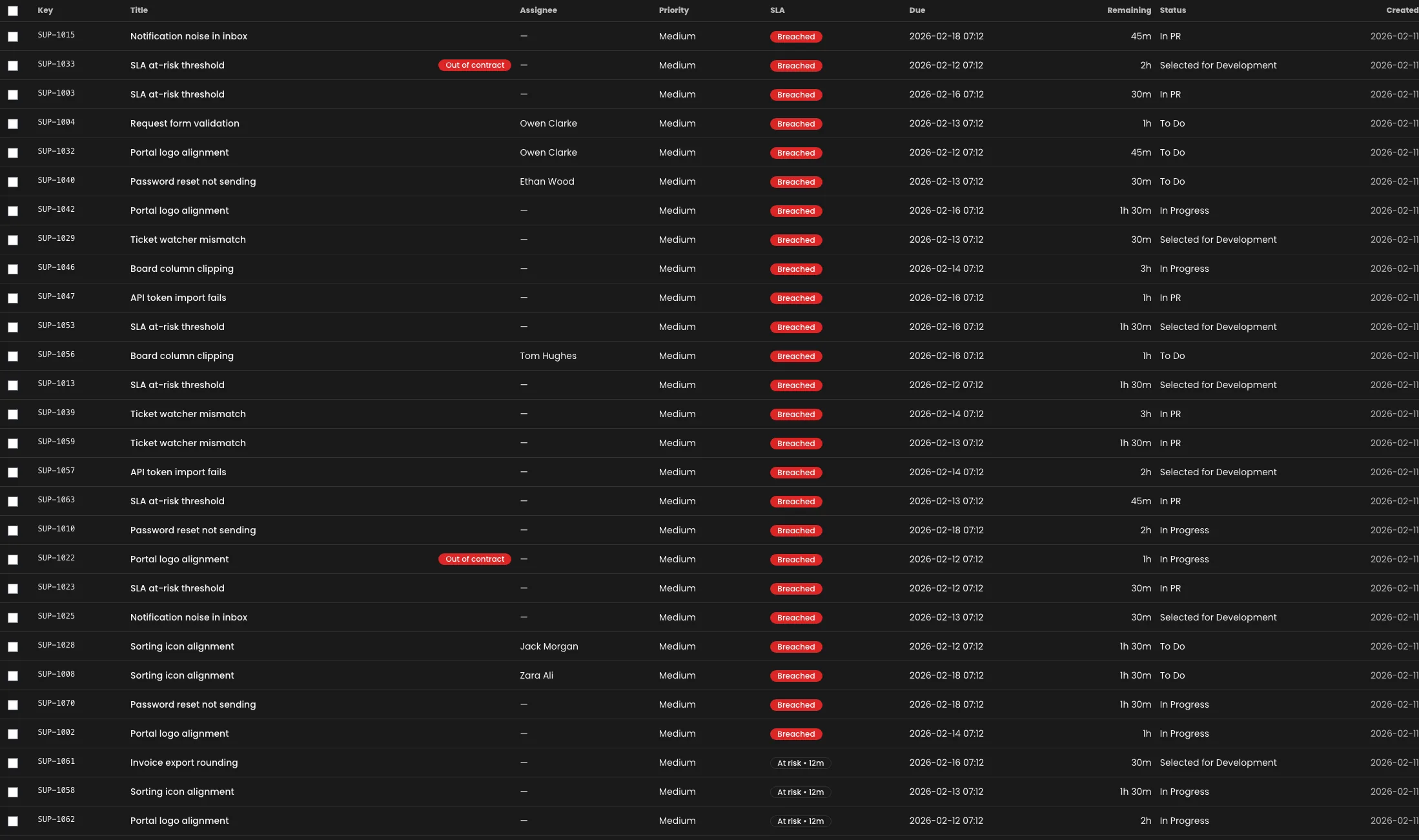
Triage view
Use the service desk list when your question is: “what needs attention right now?”


The workflow (recommended)
- Intake (portal requests)
- Queue + triage
- Route into delivery statuses or onto the board
- Keep client updates on the ticket thread
First response SLA (how to use it)
A “first response” SLA is about acknowledgement and triage:
- confirm it’s received
- set expectations
- ask for missing info (once)
Practical approach:
- Triage from the queue (don’t open tabs at random)
- Reply once with the next step (or request missing info)
- Assign an owner and route it into delivery statuses
Habit loop (what actually keeps it calm)
- use a triage checklist
- keep priorities boring
- always assign an owner
- always write the next step as a sentence
Useful templates: