Agencies don’t lose time because they lack statuses. They lose time because statuses drift until nobody knows what “done” means.
Timelint is designed for ticket-first workflows with guardrails: fewer statuses, clearer meaning, faster navigation.
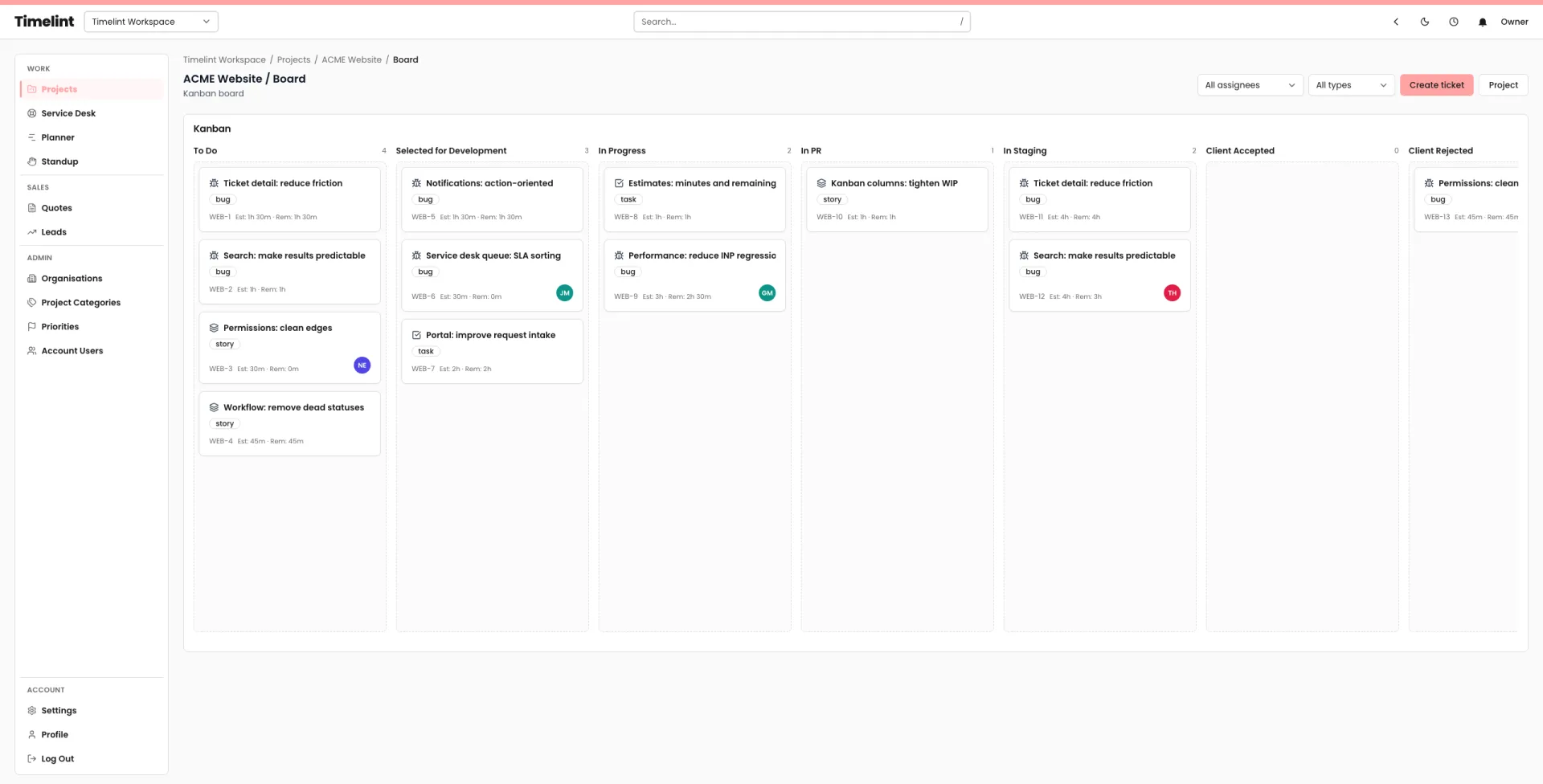
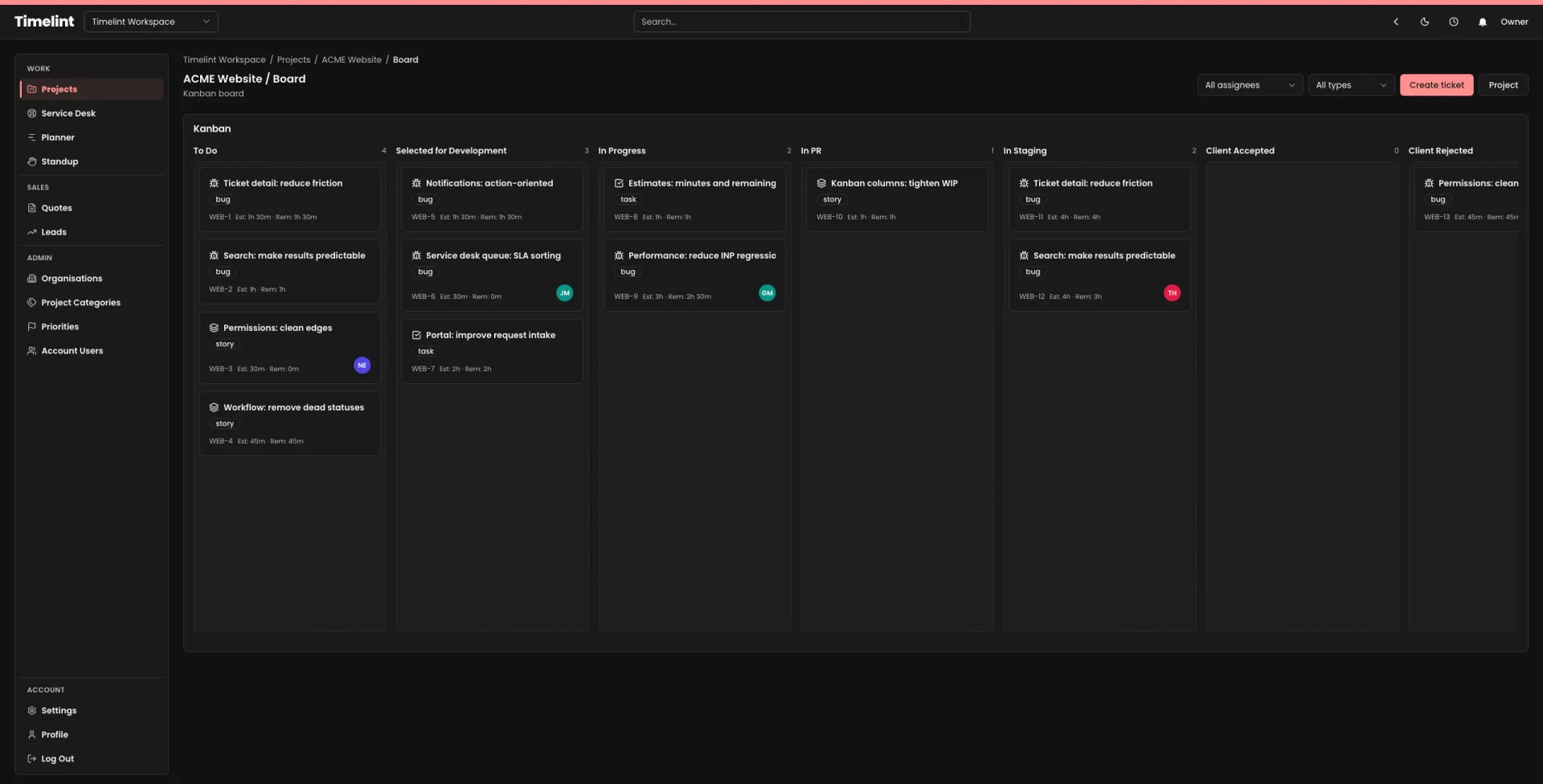
Editing a workflow (what it looks like)
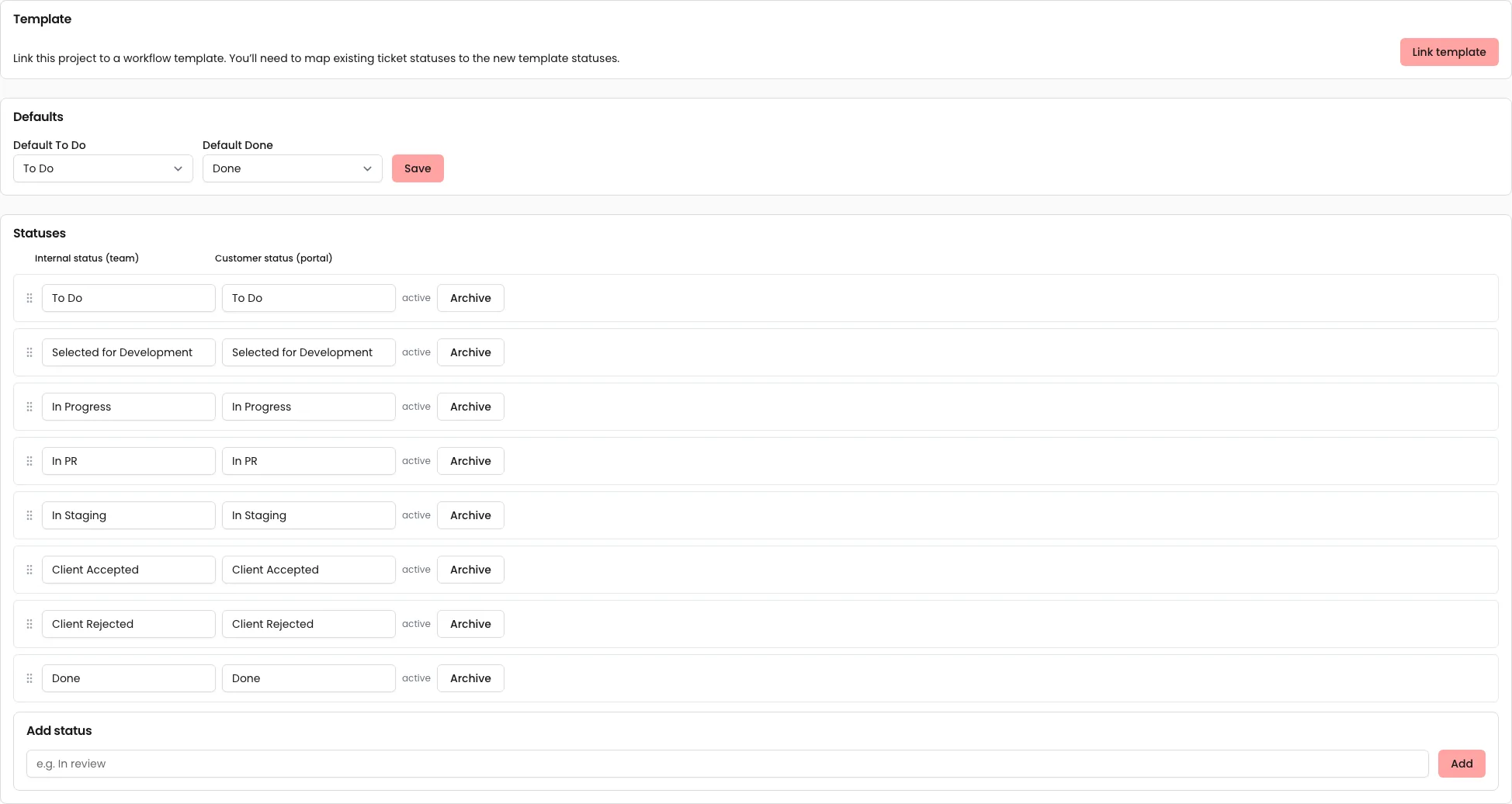
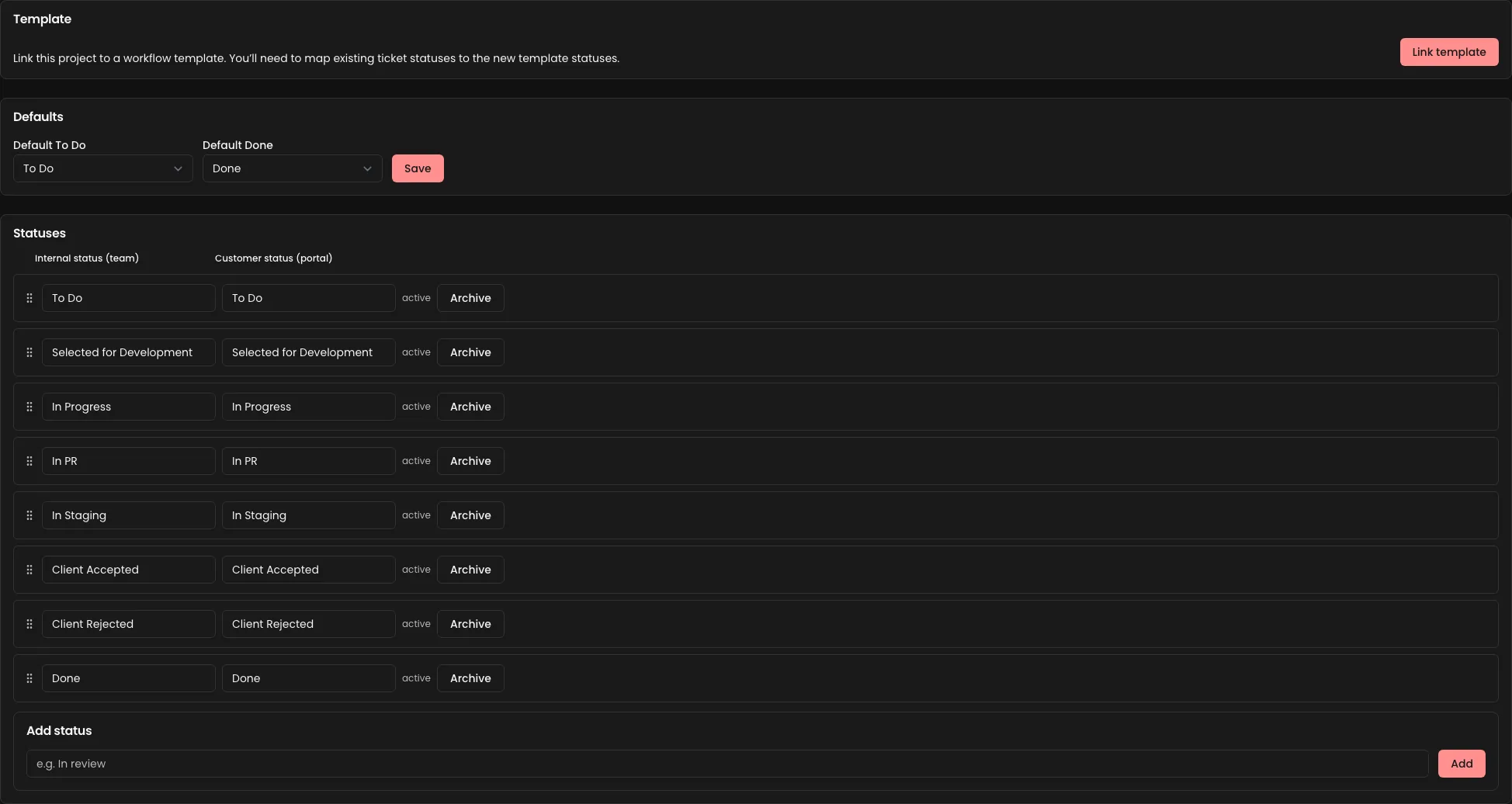
A good default workflow
For most agency delivery:
- Backlog
- In progress
- Blocked
- Review / QA
- Done
For service desk projects, keep the same core statuses and add rules, not more statuses.
Customer status labels (portal)
If a status name helps your team, it often confuses clients.
Use customer labels to keep the portal simple, e.g.:
- Internal: “In progress” → Customer: “We’re working on it”
- Internal: “Blocked” → Customer: “Waiting on info”
Status definitions (non-negotiable)
Write one sentence for each status, plus:
- what must be true to enter
- what must be true to leave
If you want a template you can copy/paste, use: Ticket status definitions template.
Don’t create “client-specific statuses”
If a status exists for one client, it’s usually a smell.
Prefer:
- tags/labels
- a clear blocked reason
- a short policy in Resources
Workflow templates (keeping projects consistent)
If you run many client projects, consistency matters more than flexibility.
Use workflow templates so new projects start with:
- the same statuses
- predictable meaning
- faster onboarding
If you’re moving from Jira, simplify workflows first. See: Jira workflow simplification guide.