Timelint is organised around projects. A project is the place where tickets live and where the workflow stays coherent.
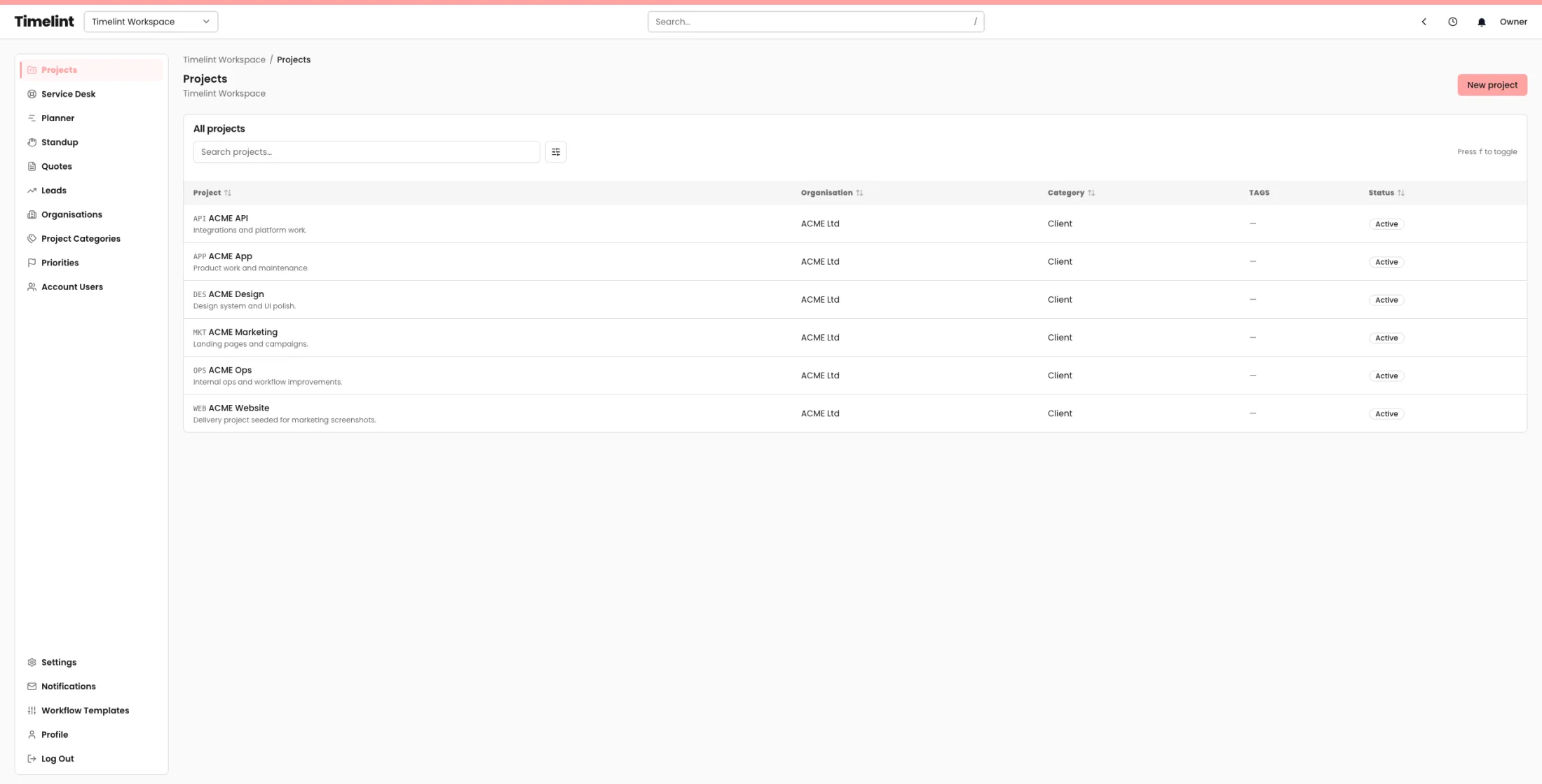
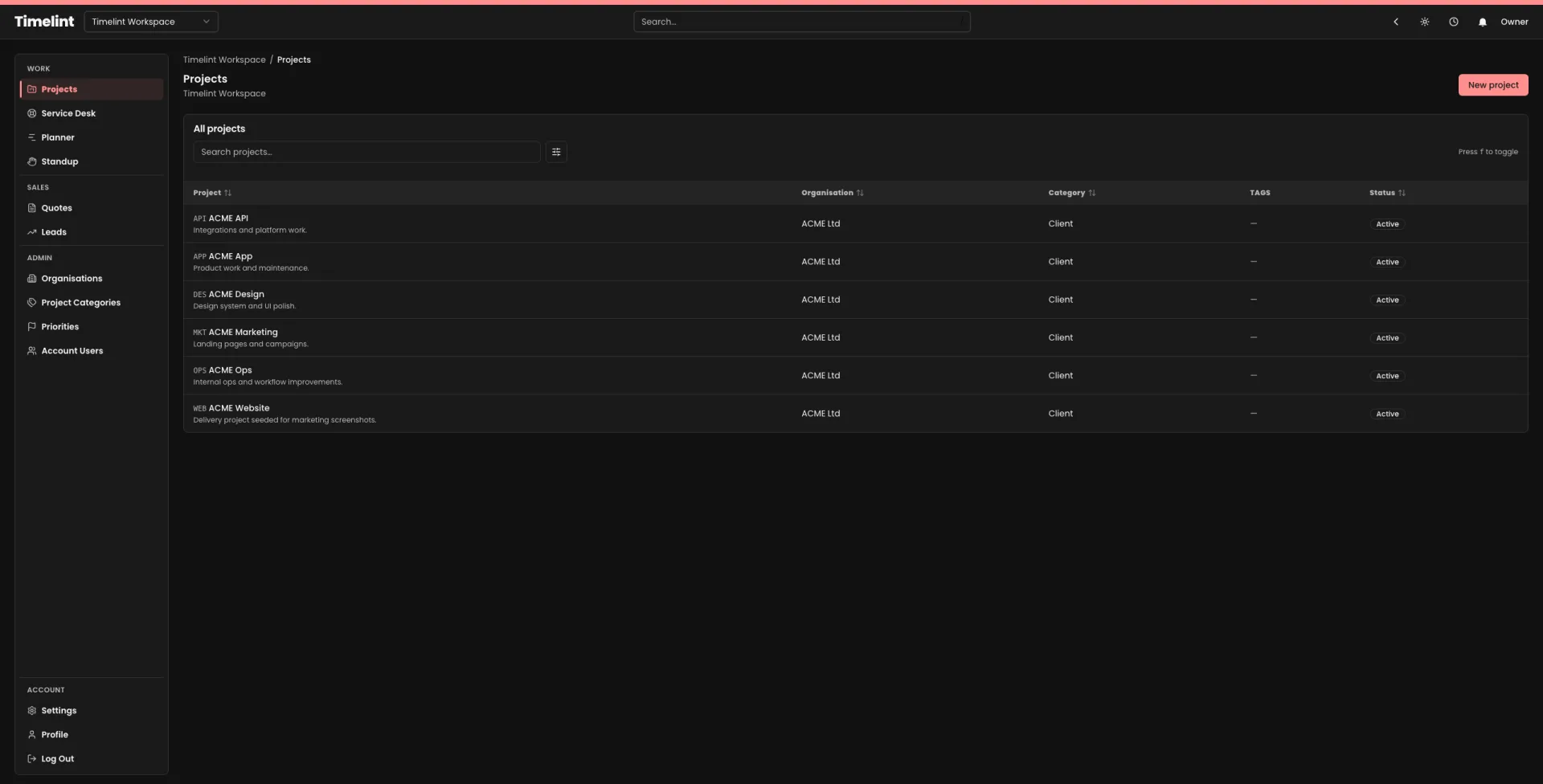
Delivery projects vs service desk projects
In Timelint, service desk is a project capability. It’s not a separate system.
That means a project can run:
- delivery work (boards, statuses, planning)
- support intake (portal requests)
- triage and SLA visibility (queue)
- contract hours boundaries (retainers)
Recommended agency setup
For agencies with retainers:
- one project per client (or per product)
- enable service desk where support intake is needed
- keep ticket statuses consistent across projects
If you’re migrating from Jira, the goal is to keep the ticket-first mental model and drop sprawl. See: Import from Jira.
Creating a project (what to fill in)
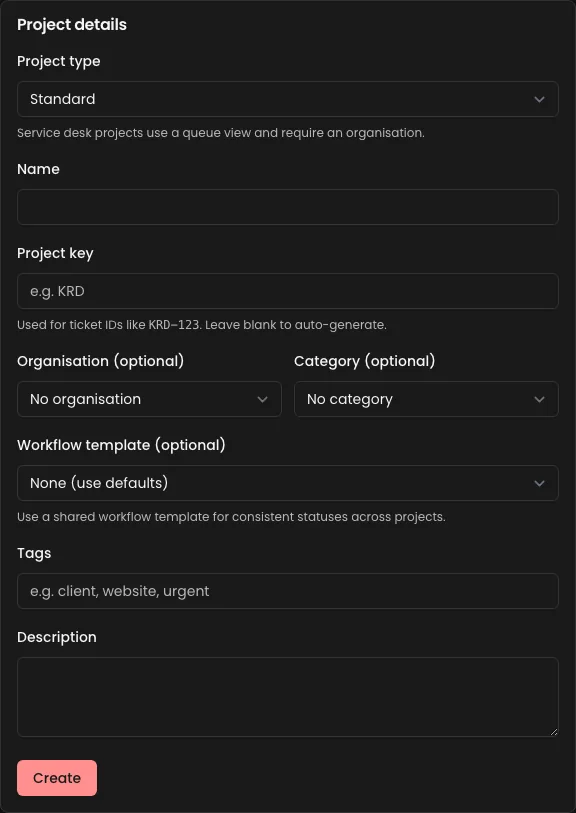
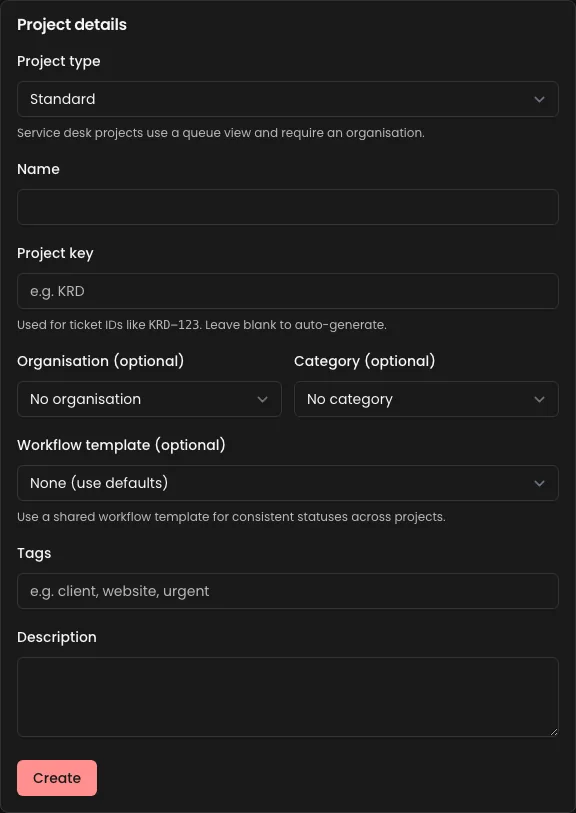
Project type
- Standard: delivery work (boards, planning, releases).
- Service desk: adds queue + portal + SLA/contract-hour context. Requires an organisation.
Project key
The key becomes your ticket IDs (e.g. WEB-123).
- Leave it blank if you want Timelint to auto-generate one.
- Keep keys short and stable (it reduces “where is that?” time).
Workflow template (optional)
If you run many projects, link a workflow template so every new project starts coherent.
Next docs: