Fast navigation is a workflow feature. The less time you spend hunting, the more time you ship.
Open search
Use the search input in the top bar, or use the keyboard shortcut if you have one configured in your OS/browser.
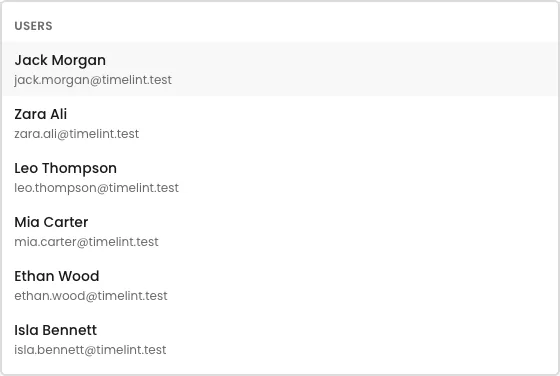
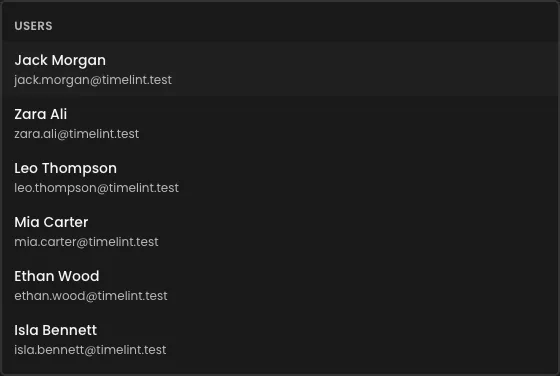
Search results (what it looks like)
What to search for
- ticket key
- keywords from a title
- client or project terms
How to use it during triage
- Search the ticket key or a unique keyword
- Open the ticket, then decide the next step
- Don’t “browse” for work — search for it intentionally
Why this matters for agencies
Agencies context-switch constantly. Search helps keep triage and delivery moving without “go find it” overhead.