Timelint handles time tracking and timesheets in the same ticket-first workflow.
That means you can:
- start a timer while you are in the work
- log time manually when you are catching up
- review time in calendar-based timesheets
- export the filtered view when finance or reporting needs a file
Timer vs manual logging
Use the timer when you are actively working on a ticket.
Use manual logging when:
- you forgot to start the timer
- you are recording work after a meeting
- you need to add a note and duration after the fact
The important rule is the same in both cases: time stays attached to a ticket or project context.
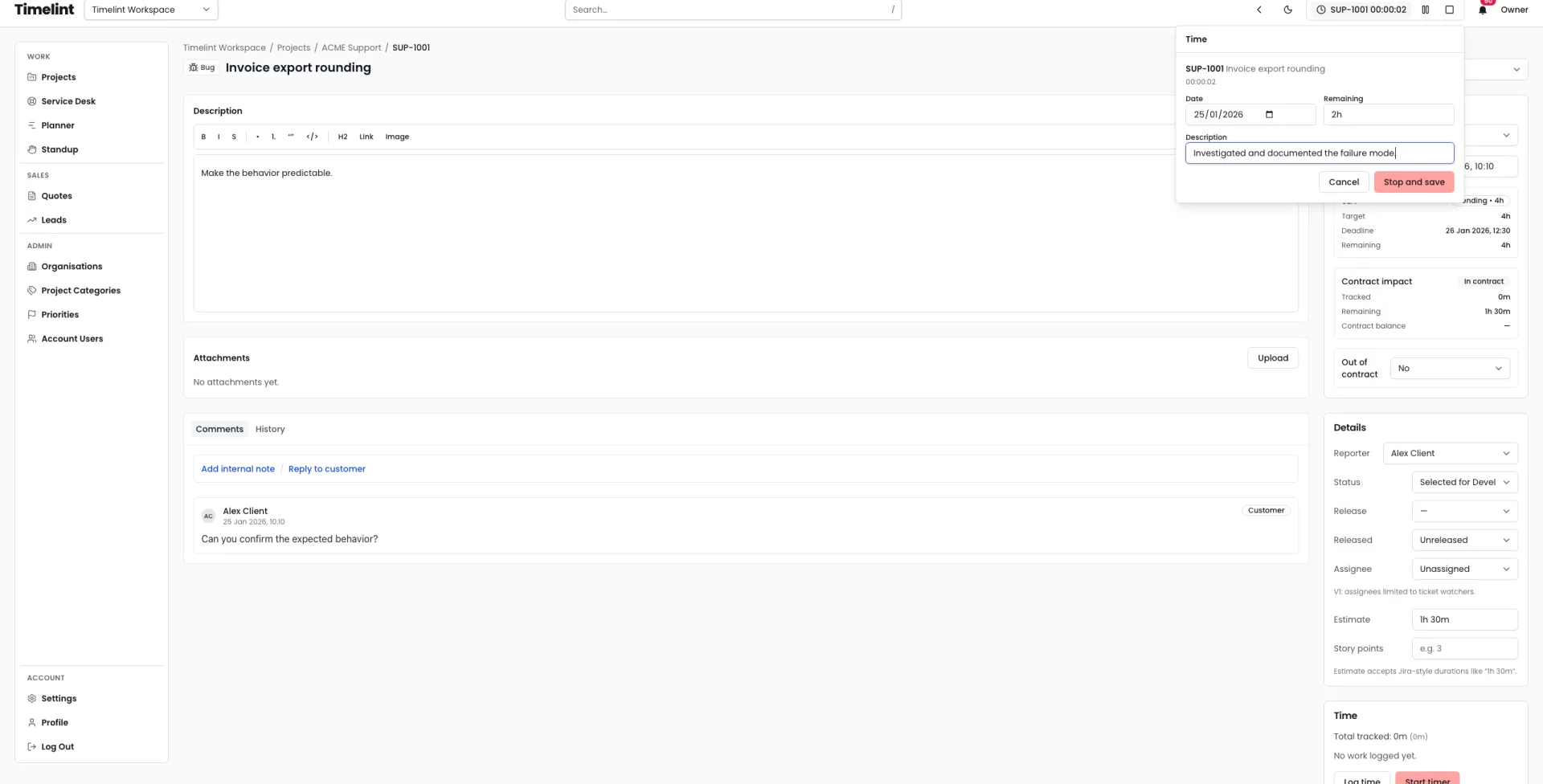
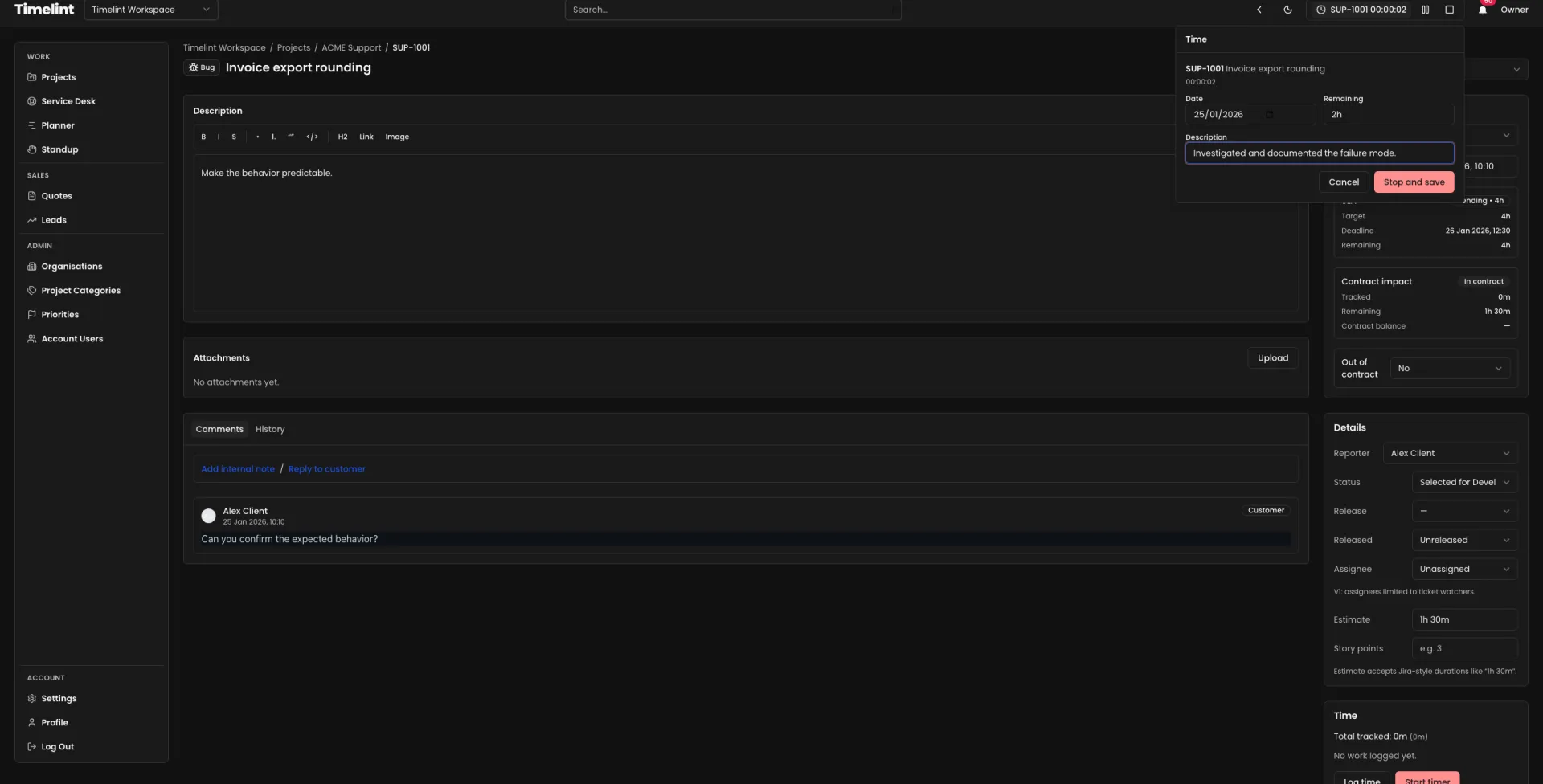
Timesheets view
Timesheets are the review layer, not just the capture layer.
Use them to:
- review your own logged work by day or week
- review team activity when you have permission
- filter by project and entry type
- change the date range for weekly or monthly review
- move or edit entries when reality changed after the original log
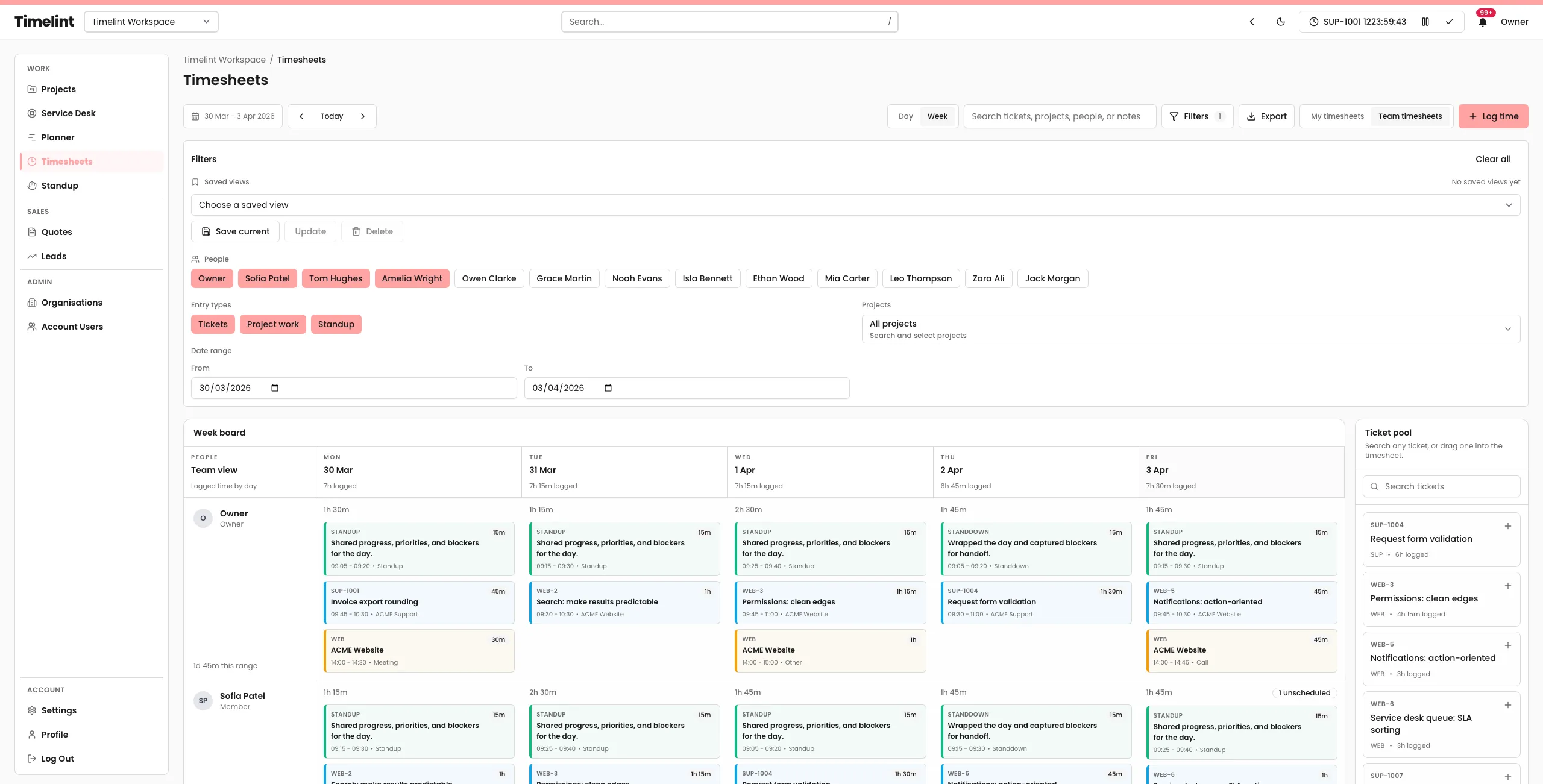
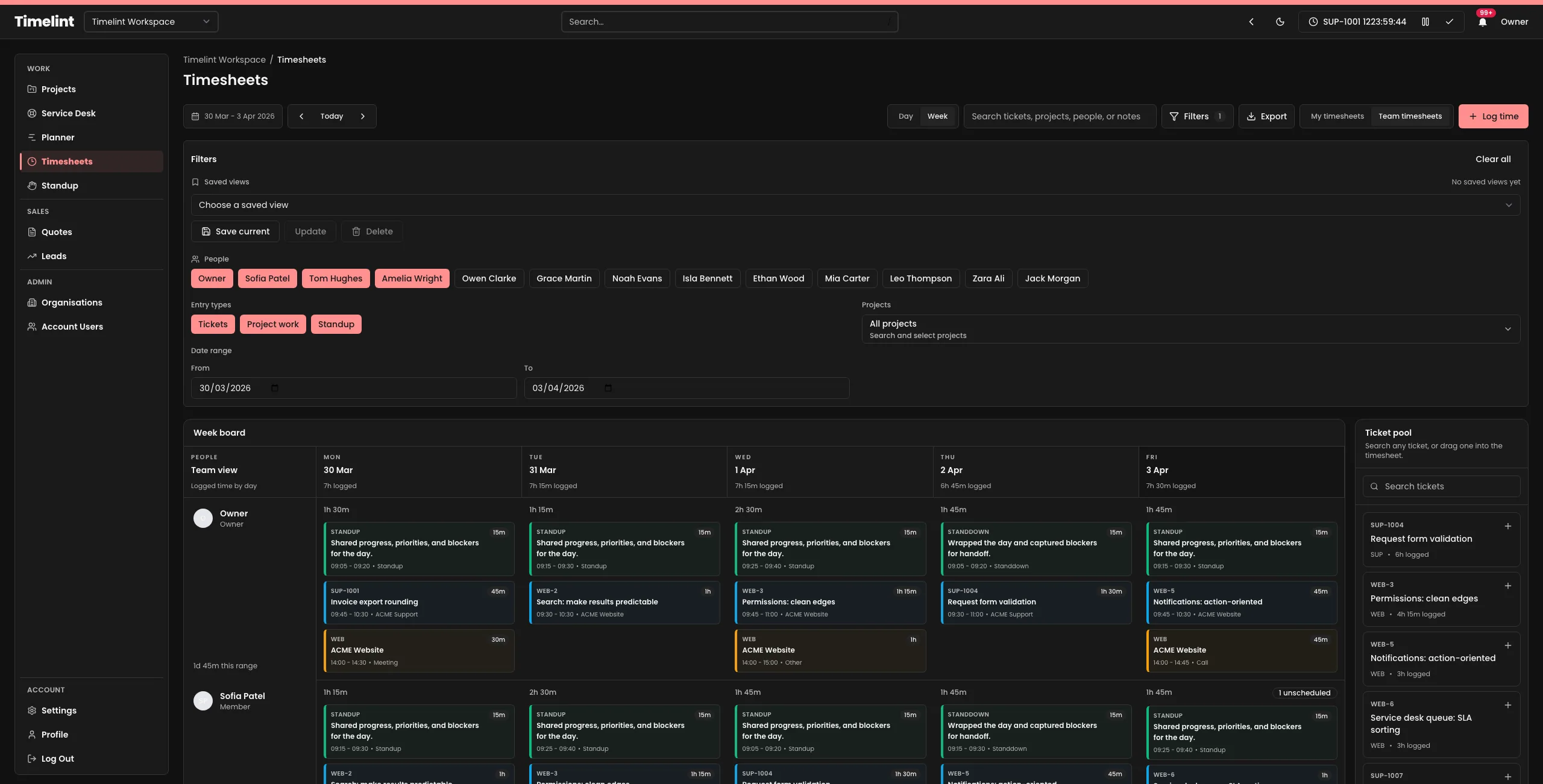
Saved views and filters
If your team reviews the same slices of work repeatedly, keep those filters close.
Useful saved-view patterns:
- support retainer review
- weekly delivery review
- one client / one project
- one team lead reviewing one group of people


CSV export
When the current filtered view is the right slice of data, export it directly.
CSV export uses the active filters, including:
- date range
- people selection
- project filters
- entry types
- search query
Use it for:
- payroll review
- internal reporting
- client-facing time reconciliation
- retainer review
Support retainers and contract hours
On service desk tickets, time tracking is also part of the retainer boundary.
That keeps:
- logged time
- remaining hours
- the ticket thread
in one place.
See also: Retainers and contract hours.