Security that holds shape.
Timelint is built for agency work: tickets, service desk, and client portal in one system. Security is part of that shape, not an afterthought.
- Account-scoped data isolation.
- Predictable permissions with clean edges.
- Private attachments served through the app.
- Audit trail for key ticket actions.
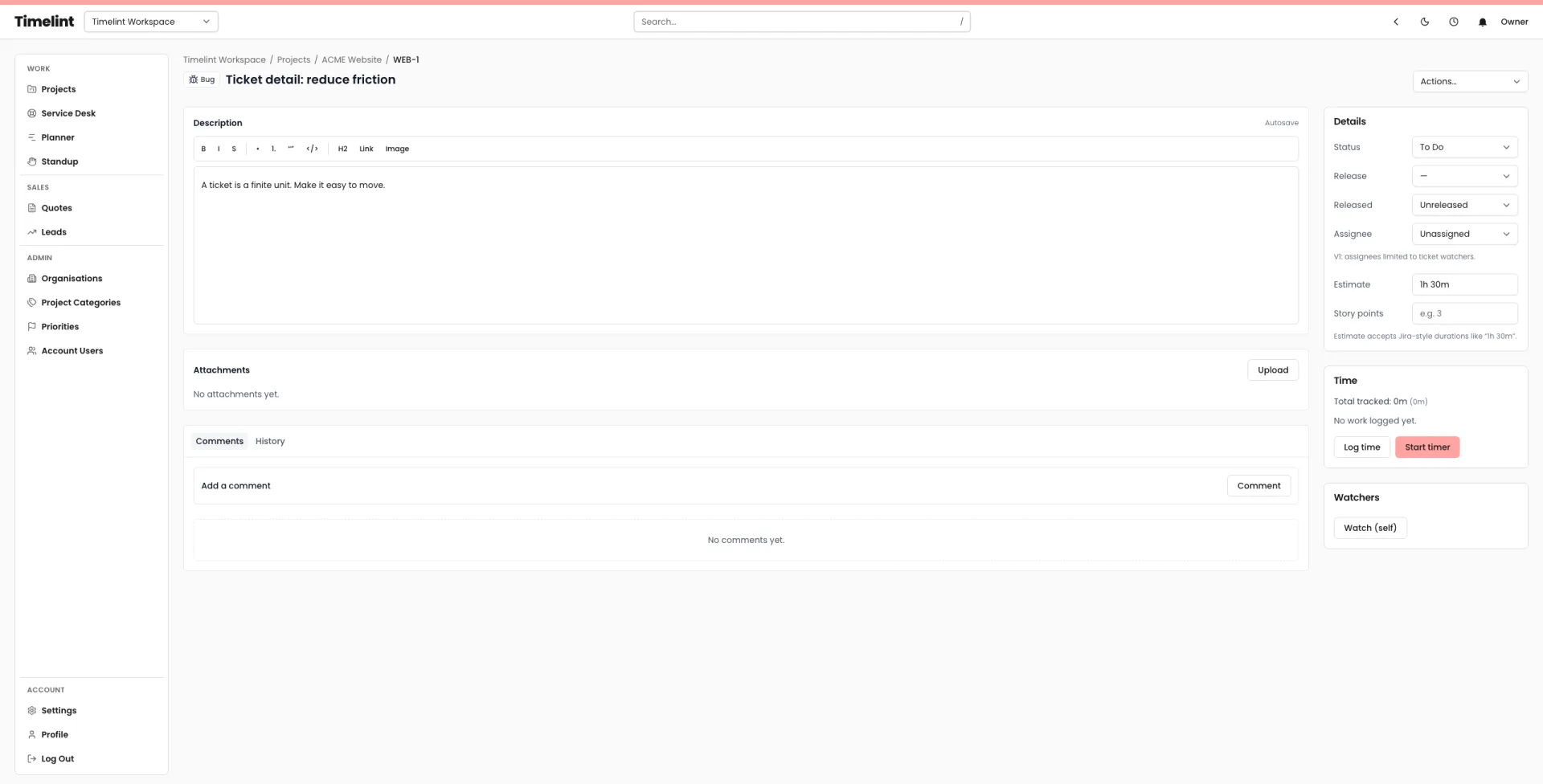
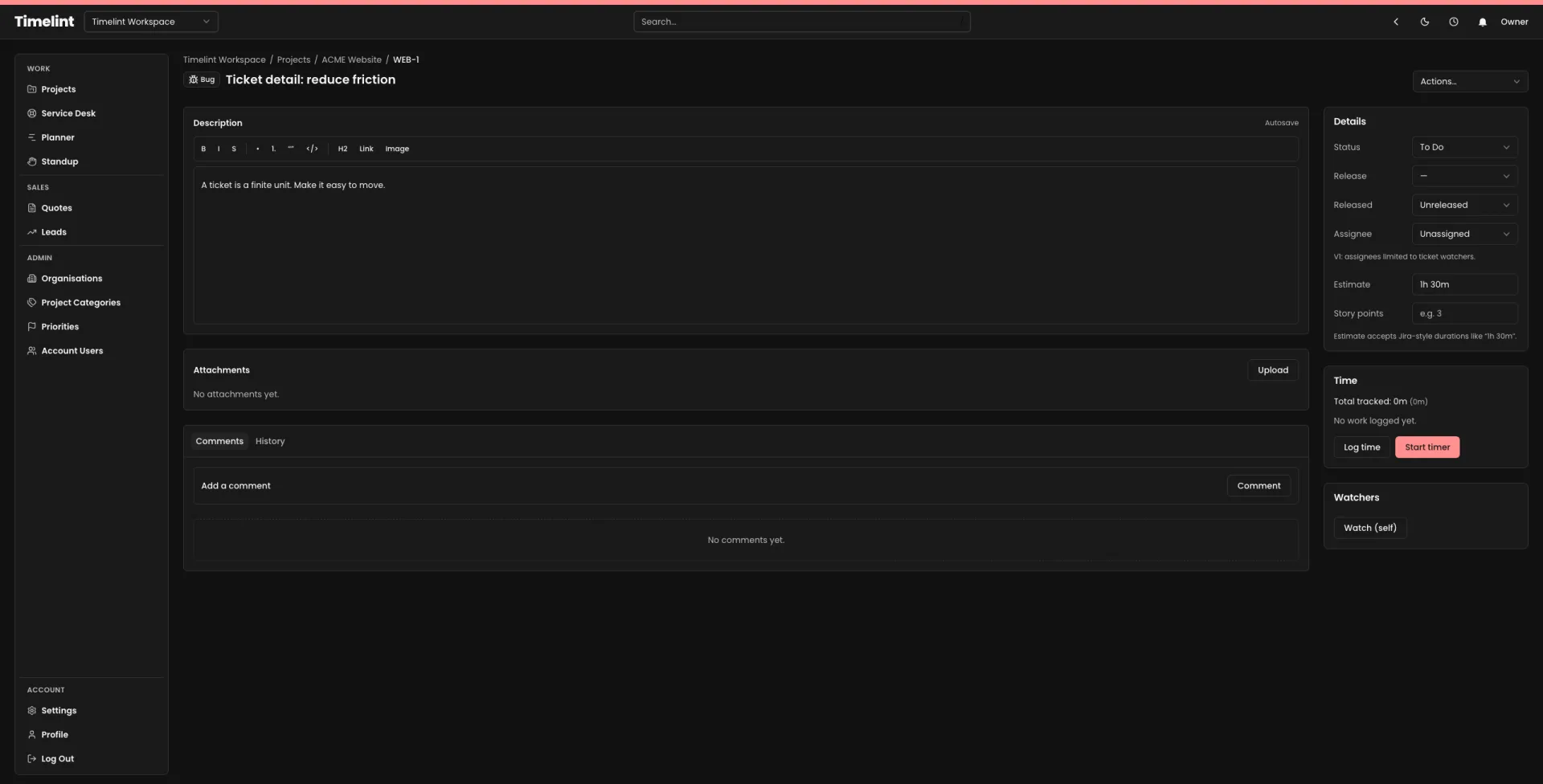
Built on clear boundaries.
Most security failures are workflow failures. The system should make boundaries obvious.
Timelint is multi-tenant. Account membership gates access, and account-scoping is treated as mandatory across account-owned data.
- Account-scoped routing and model binding.
- Role-based access for team members.
- Client access designed for the portal surface.
Security isn’t only code. It’s how the product behaves under pressure.
-
1Authentication
Passwords are hashed, sessions are managed by the framework, and email verification is supported.
-
2Audit trail
Key ticket actions create immutable audit events so changes stay traceable.
-
3Attachments
Attachments are stored privately and served through authenticated routes. Portal downloads are scoped and validated.
Security highlights
A few concrete details that matter day to day.
Attachments are stored on a private disk and served through the application.
Roles are designed with clean edges. Access should not require archaeology.
Portal access is scoped to organisations/contacts and only exposes non-internal messages and attachments.
External connection tokens are stored using encryption at rest at the application level.
Search indexes are scoped by account to avoid cross-tenant results.
Workflow and audit are designed to keep changes legible, not hidden in configuration.
FAQ
Answers to common questions. Keyboard-friendly and accessible by default.
Do you store attachments privately? +
Can clients see internal notes? +
Is data isolated per account? +
Where can we ask security questions? +
Keep the system coherent
Ticket-first workflow for agencies, with clean boundaries.