An SLA is only useful if escalation is defined. Otherwise you just learn you missed it.
This template is for agencies running first response SLAs alongside delivery work.
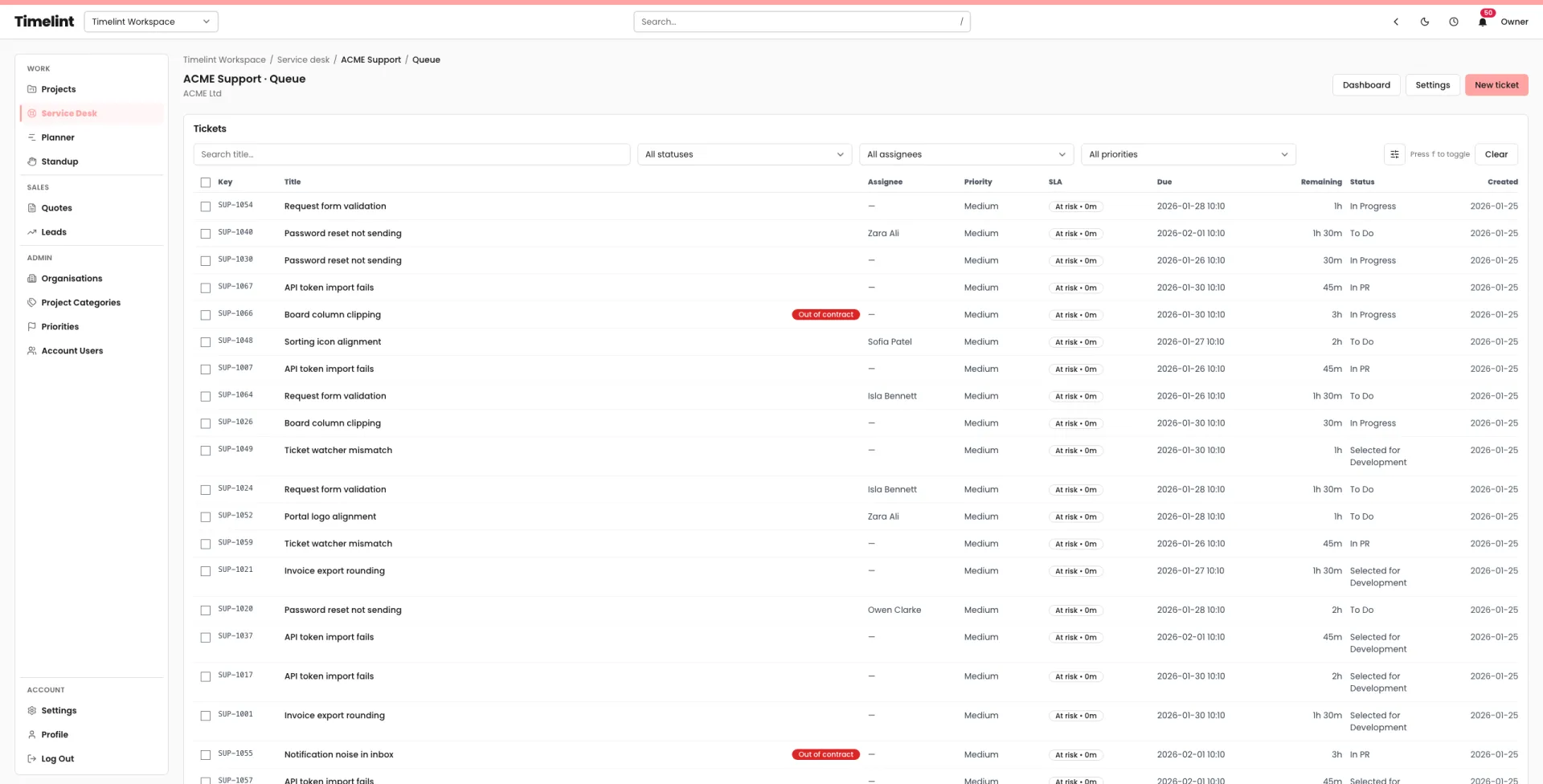
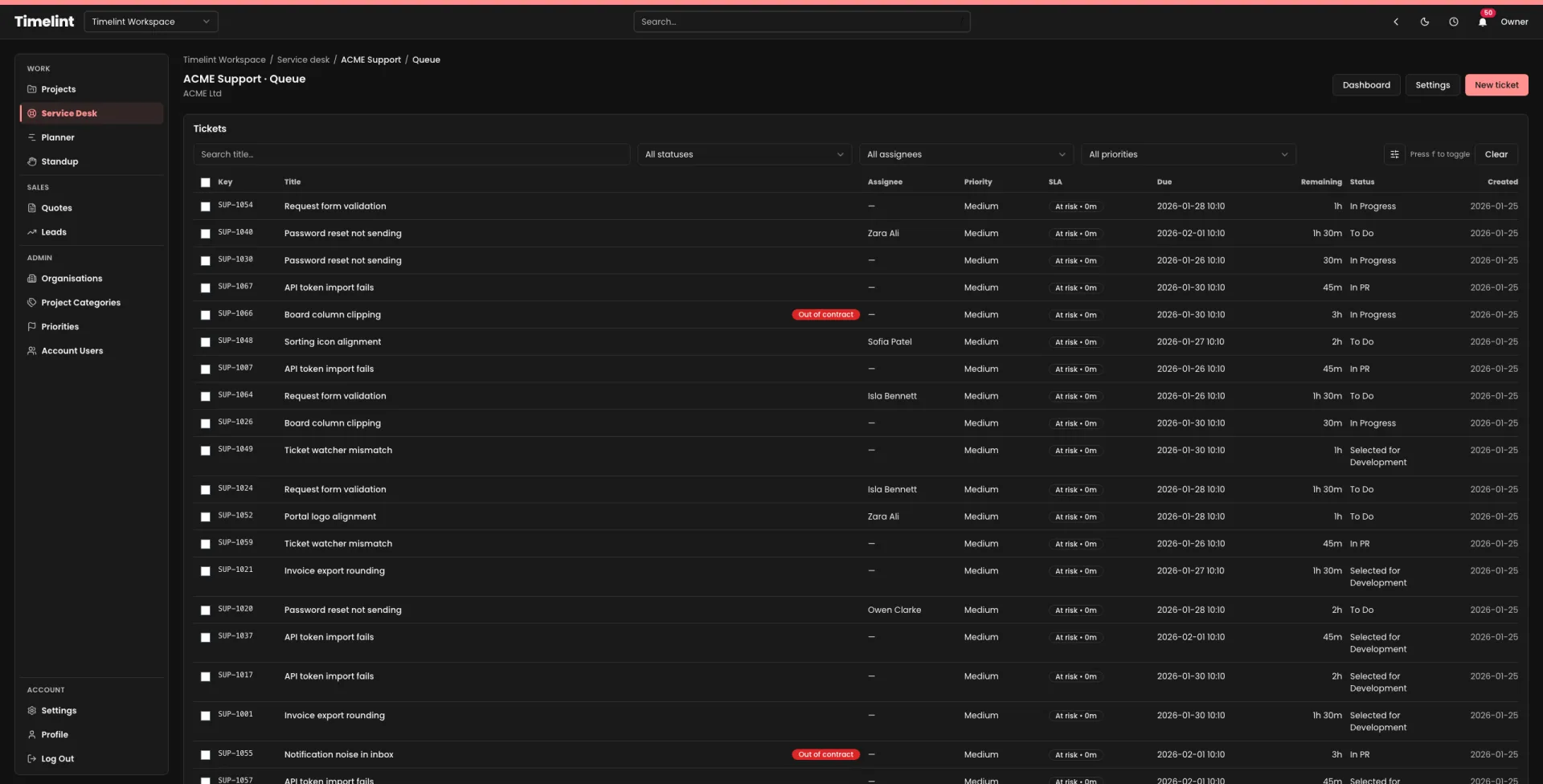
The template
What escalation means
Escalation means:
- the ticket is re-prioritised,
- an owner is assigned immediately, and
- the next step is made explicit.
Escalation does not mean “panic”. It means “make it visible”.
When we escalate
We escalate when:
- a High priority ticket is at risk of breaching first response,
- a ticket is blocked on access or information for more than [N] business hours,
- a ticket becomes a pattern (multiple similar issues in a week),
- a client is low on remaining retainer hours and still submitting urgent requests.
Escalation roles
- Service Desk Lead: owns the queue and re-prioritisation.
- Delivery Lead: resolves conflicts with planned delivery work.
- Account Manager: communicates externally when needed.
Escalation steps
- Assign an owner.
- Write the next step as a sentence.
- If blocked, ask for the missing input immediately.
- If it will slip, communicate the updated expectation on the ticket thread.
- If it’s out of contract, flag it and use the out-of-contract template.
If you want SLA visibility where the team actually works, see: Service desk inside projects.