Permissions should be boring. The goal is predictable access, not endless configuration.
Principles
- use roles with clean edges
- avoid per-ticket exceptions where possible
- keep client access inside the portal (not in the internal app)
If you want the security overview, see: Security.
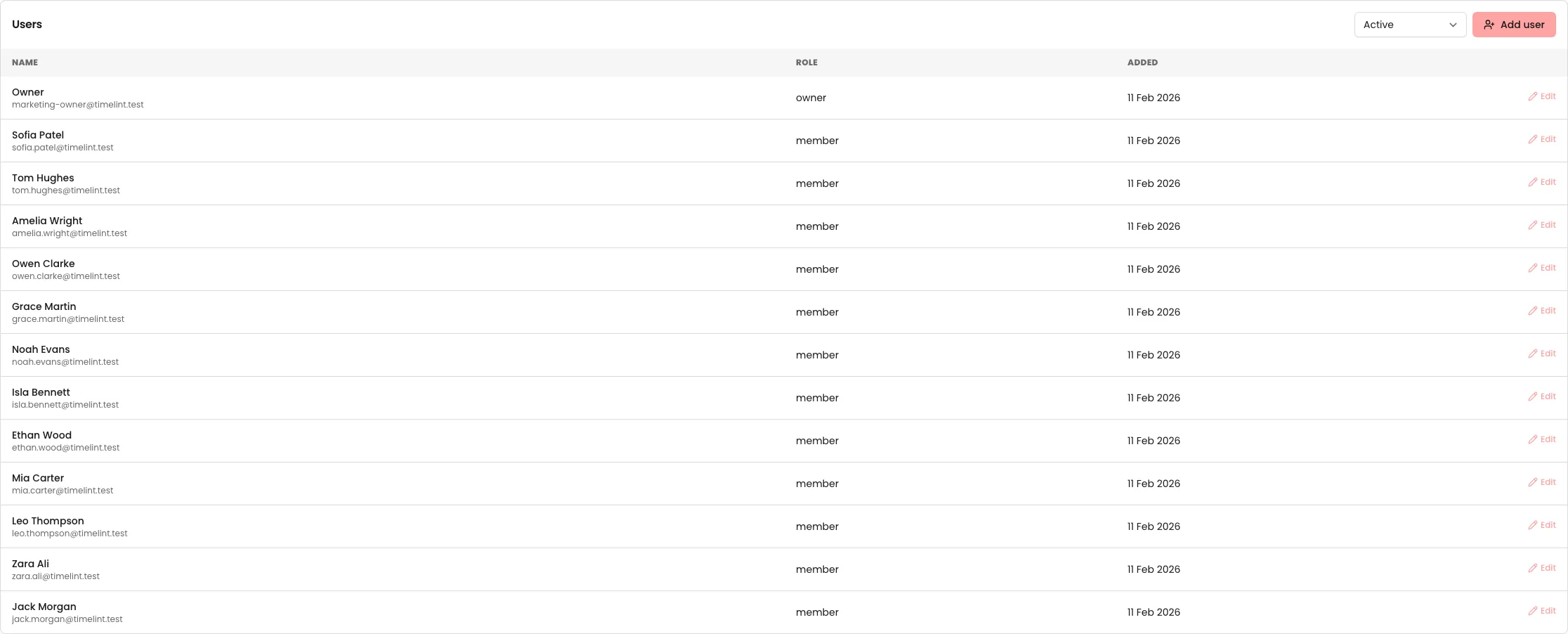
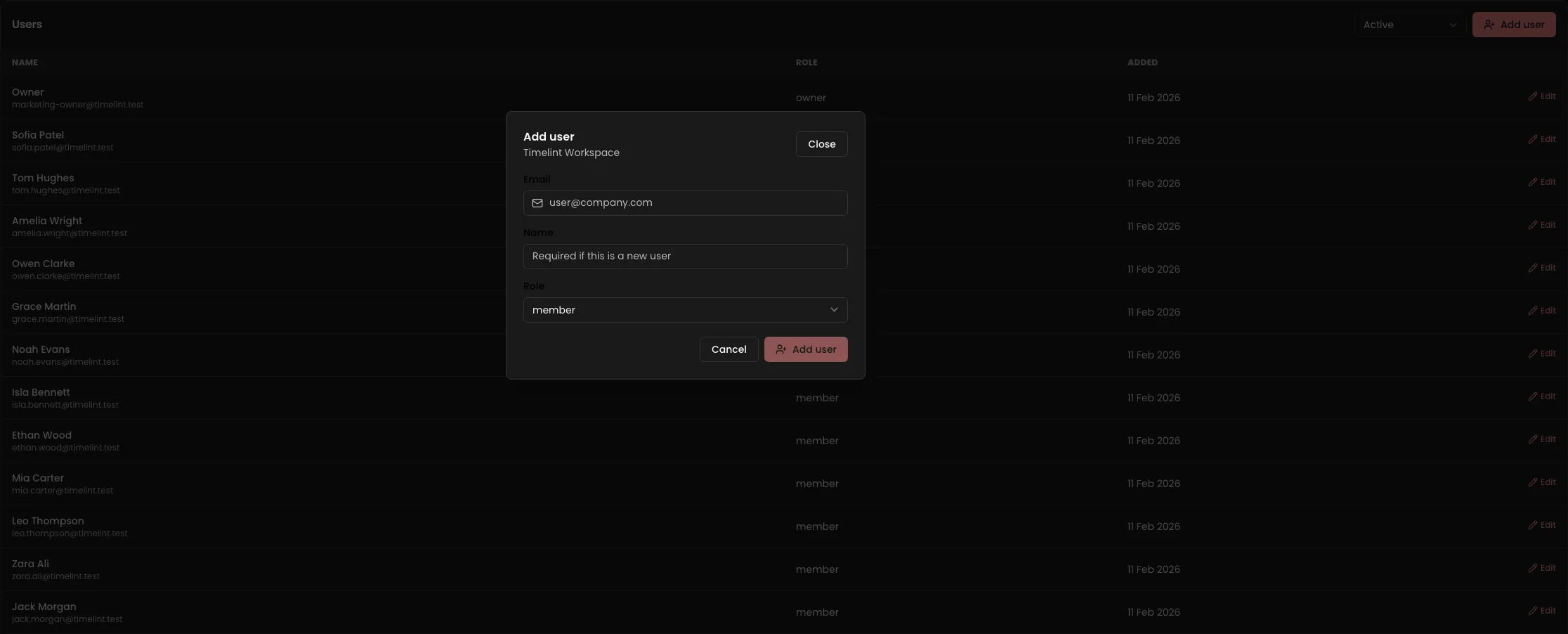
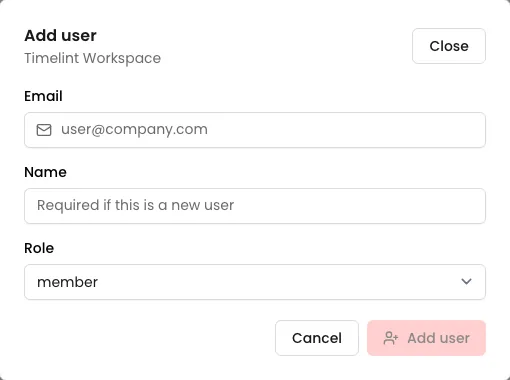
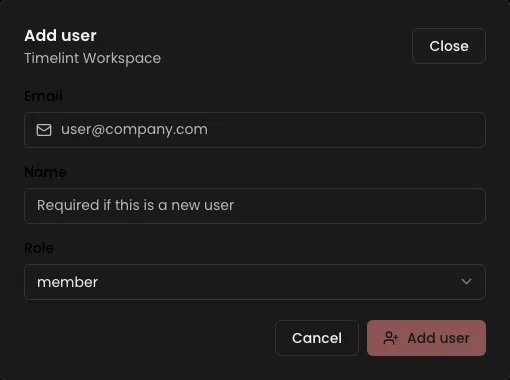
Managing users (what it looks like)
Recommended role shape
Keep the number of roles small and obvious. A good default:
- Owner/Admin: configuration + security sensitive actions
- Member: delivery work
- Client viewer: see portal-only content (keep them out of the internal app)