Ticket-based time tracking for agencies.
Use a timer when you are in the work, log time manually when you are catching up, and review it in calendar-based timesheets that stay tied to tickets, projects, and support retainers.
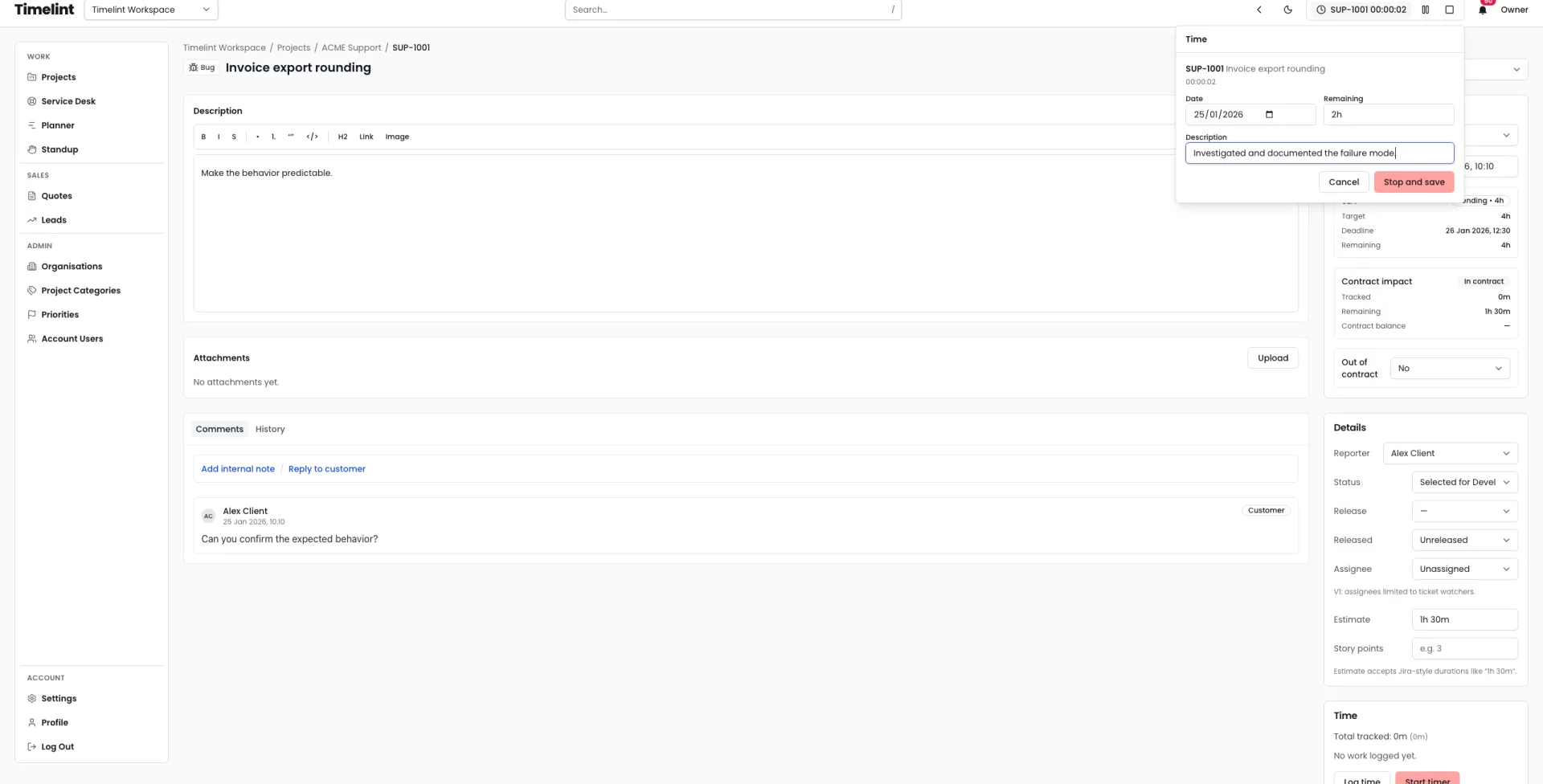
- Start and stop a timer from the work.
- Log time manually with notes when you need to catch up.
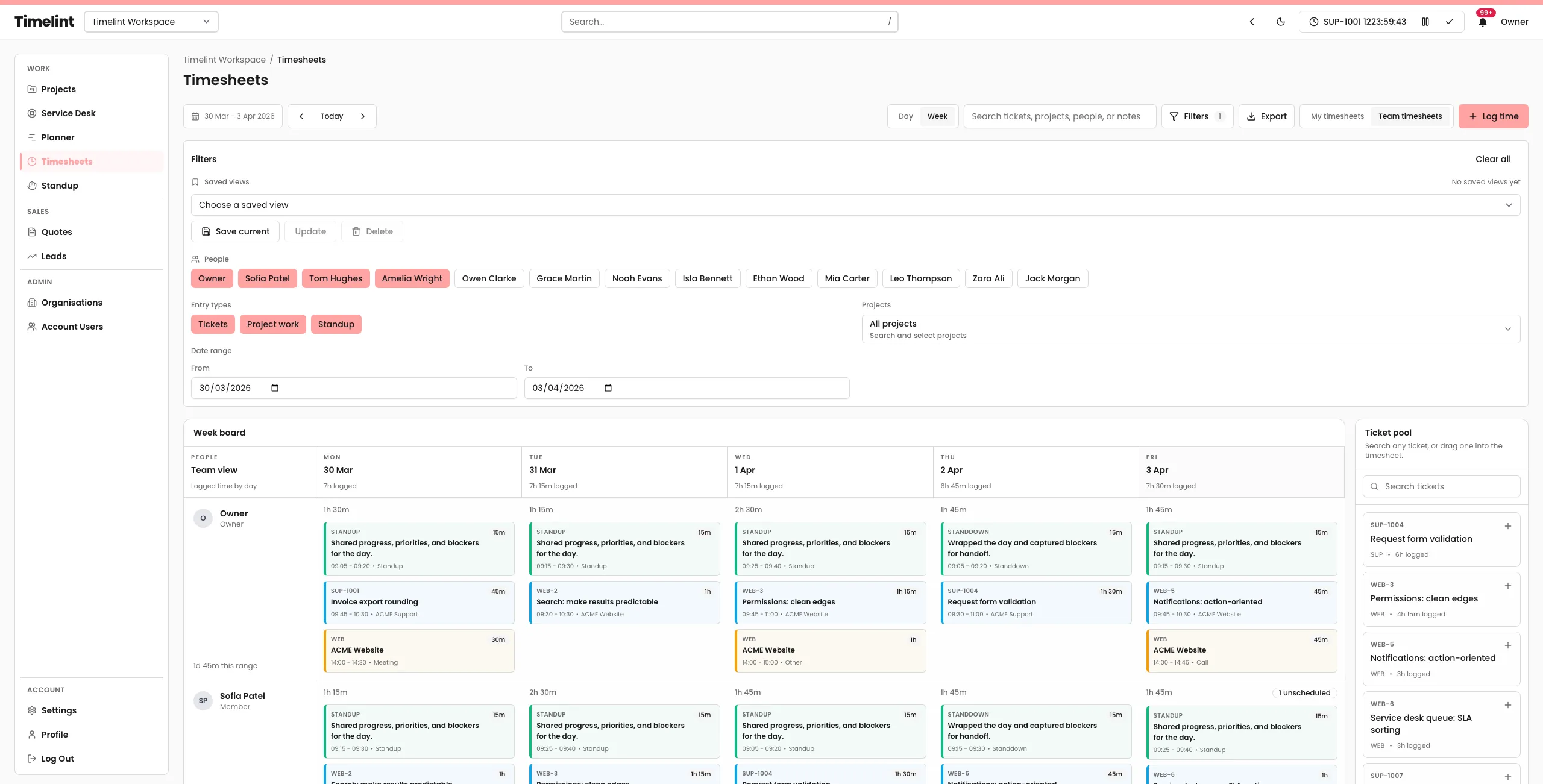
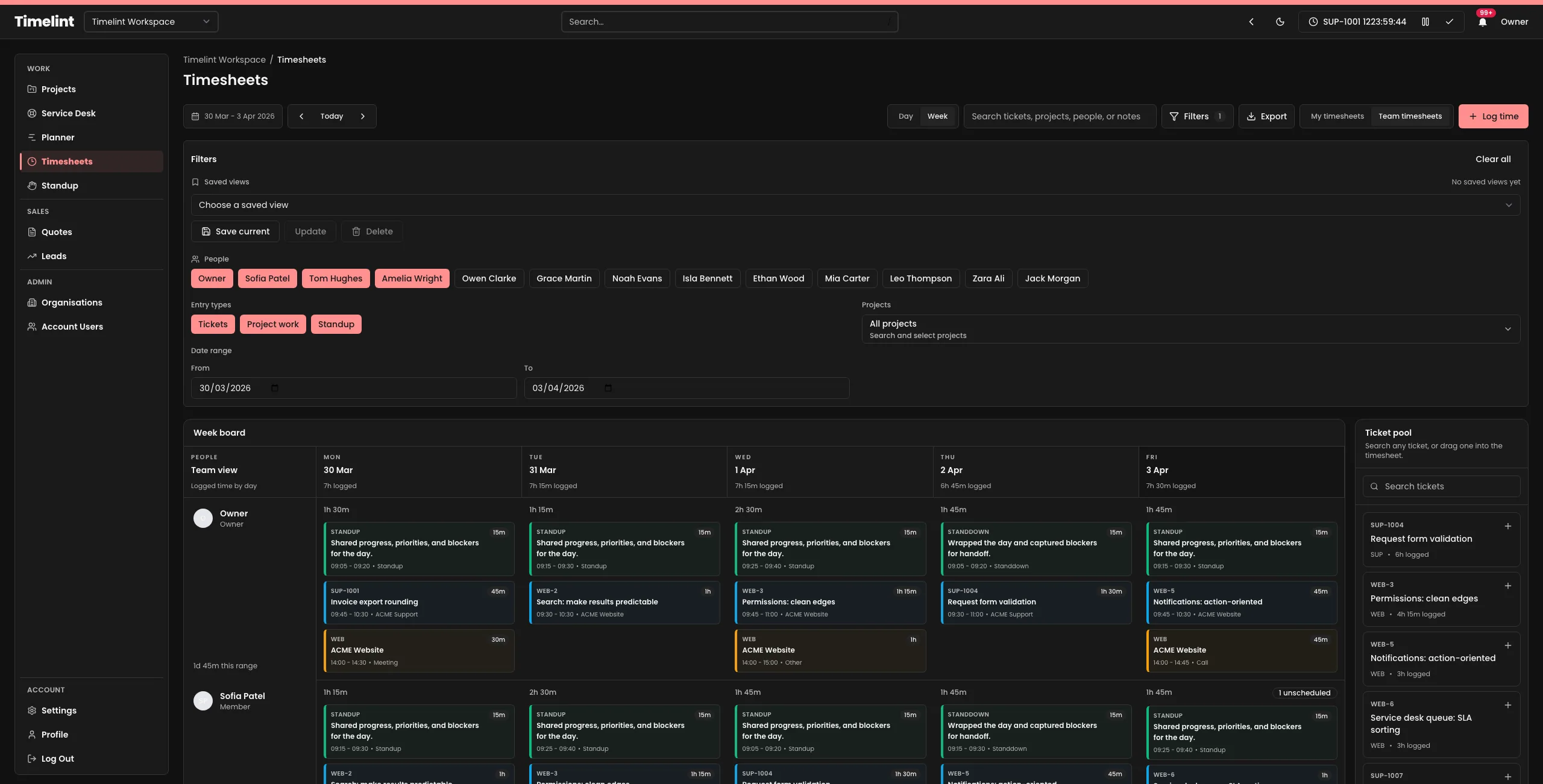
- Review timesheets by date range, project, and person.
- Export filtered timesheets to CSV without spreadsheet cleanup.
Capture, review, and export time in one workflow
The timer is only the first step. Agencies also need timesheets they can trust at the end of the day, week, and retainer cycle.
-
1Capture time
Start a timer from a ticket or log time after the fact. Keep every entry attached to the unit of work.
-
2Review in timesheets
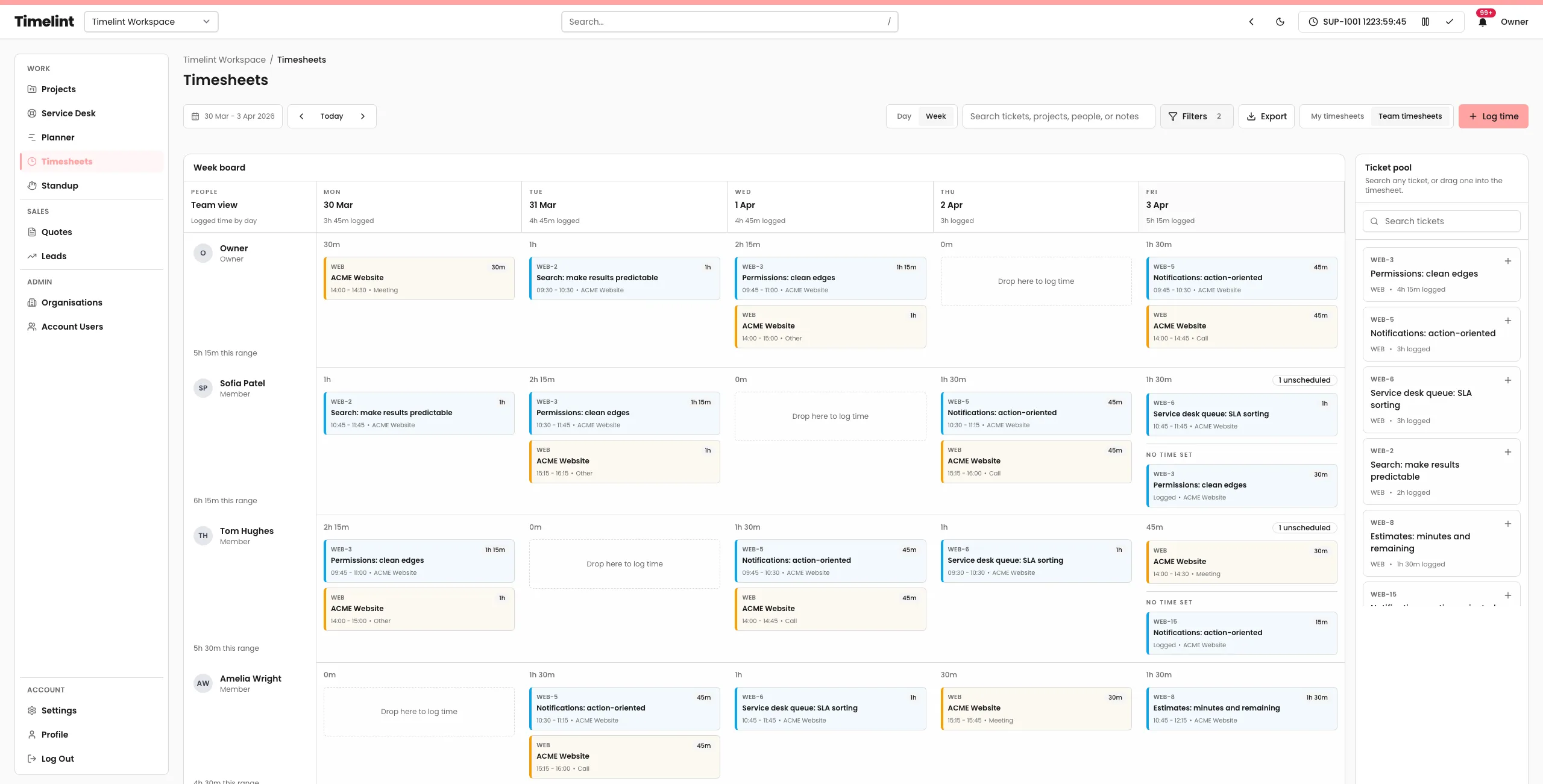
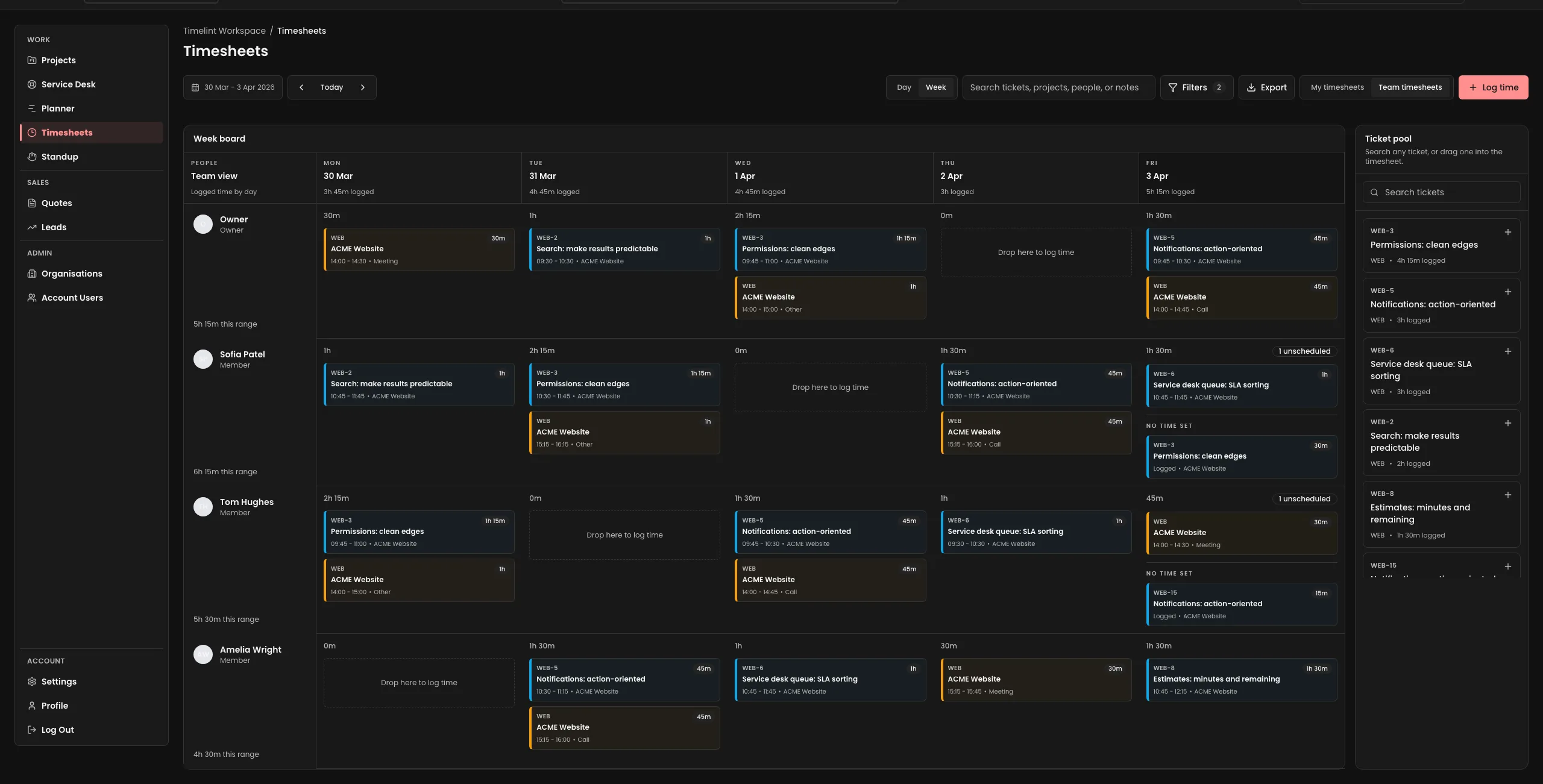
Use calendar-based timesheets to filter by date range, project, and person. Move or edit entries when reality changes.
-
3Export when needed
Download the filtered view as CSV for payroll, reporting, or client-facing review without rebuilding the data in a spreadsheet.
Timesheets built for agency review
Capture is only useful if the review surface stays legible.
Time stays attached to tickets and projects instead of drifting into a disconnected timesheet tool.
Review work by day and week in a surface that shows when time actually happened.
Change the visible range when you need a payroll week, a support window, or a month-end review.
Keep common team filters close so recurring reporting does not start from zero each time.
Move, resize, and update logged time without losing the audit trail or the note.
Export the filtered timesheet view directly when finance, payroll, or client reporting needs a file.
Use a timer when you are in the work
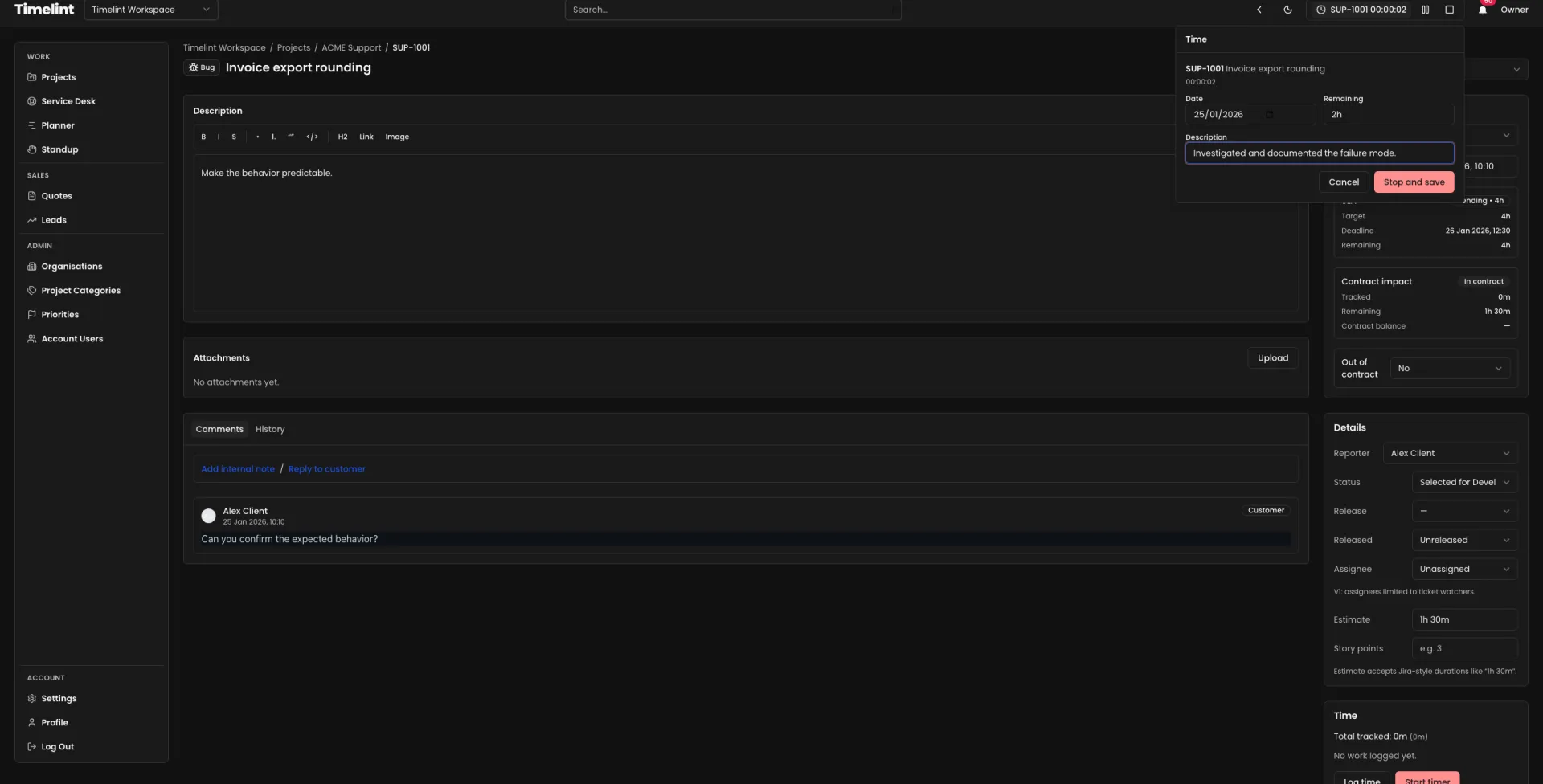
Start from the ticket, pause when you context-switch, and stop with the note while the work is still fresh.
- Fast start and stop controls.
- Manual notes at finish time.
- Remaining hours on service desk tickets.
Review timesheets by date range, project, and person
The review layer matters as much as capture. Agencies need a timesheet view that supports cleanup, weekly review, and team visibility.
- Personal and team timesheet views.
- Project filters and saved views.
- Date-range review for weekly and monthly reporting.
Related docs
Use these docs when you want the operating detail behind the timer, timesheets, and retainer workflow.
Related resources
Practical agency ops content that supports weekly timesheet review, support handoff, and client reporting.
FAQ
Answers to common questions. Keyboard-friendly and accessible by default.
Do you have a timer and timesheets? +
Can we review timesheets by team and date range? +
Can we export timesheets? +
Is time tracking tied to tickets? +
Does this work for support retainers? +
Keep time capture fast and timesheets export-ready
Ticket-based time tracking and timesheets for agencies.