The Timelint portal is designed for agency tickets:
- requests in
- status out
- one thread per ticket
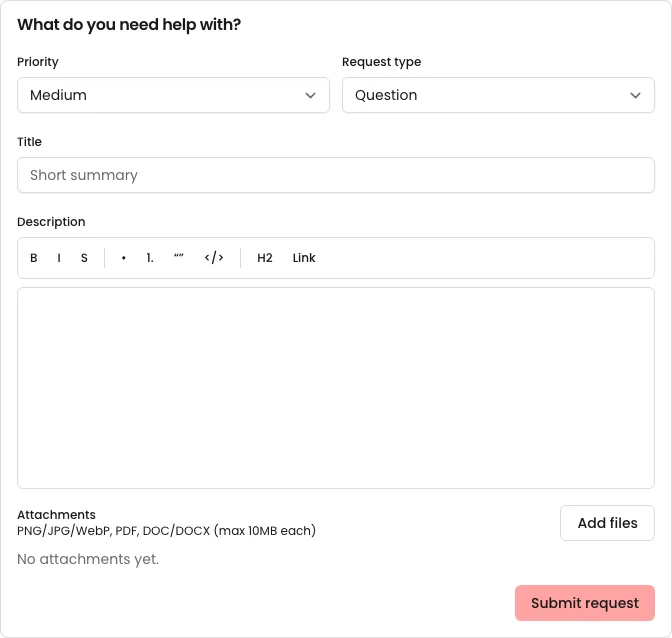
1) Client submits a request
The portal request form is intentionally simple: enough structure for triage, without turning intake into a project.
Recommended pattern:
- one request = one ticket (no “mega threads”)
- ask for what you need once (scope + expected outcome + deadline + attachments)
2) Client sees status and history on the ticket
Clients don’t need access to your internal board to feel confident.
They need:
- current status
- latest reply
- next step (written as a sentence)
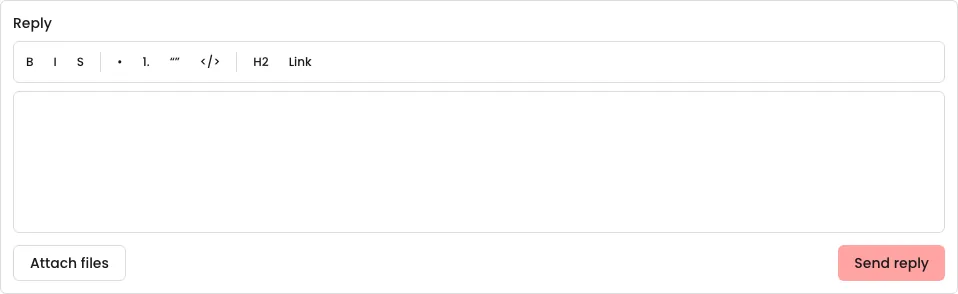
3) Client replies in-thread (not email chains)
When replies stay on the ticket, you stop losing context to inbox archaeology.
What clients can do
- create a new request (ticket)
- view ticket status
- reply in the ticket thread
- follow a clean history of updates
Why this reduces follow-ups
Follow-ups happen when status is unclear. The portal makes:
- the current status
- the next step
- and the latest reply
obvious in one place.
Recommended habits
- keep status definitions simple
- keep all client updates on the ticket thread (not email)
- use an intake form template so requests arrive clear enough to triage