Triage is a throughput problem. Your goal isn’t a perfect ticket — it’s a clear next step.
Use this checklist to keep your service desk queue coherent when support and delivery run side-by-side.
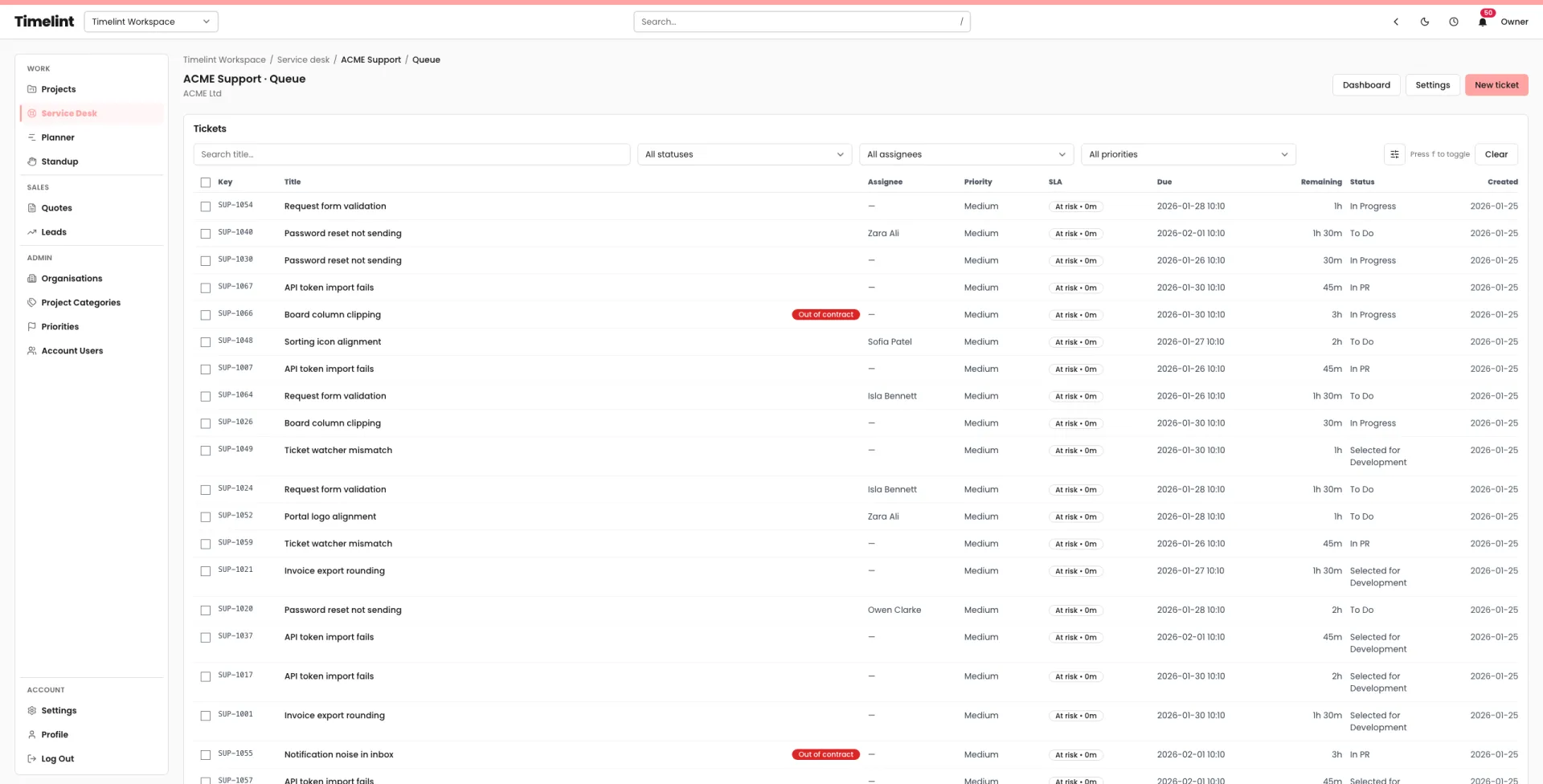
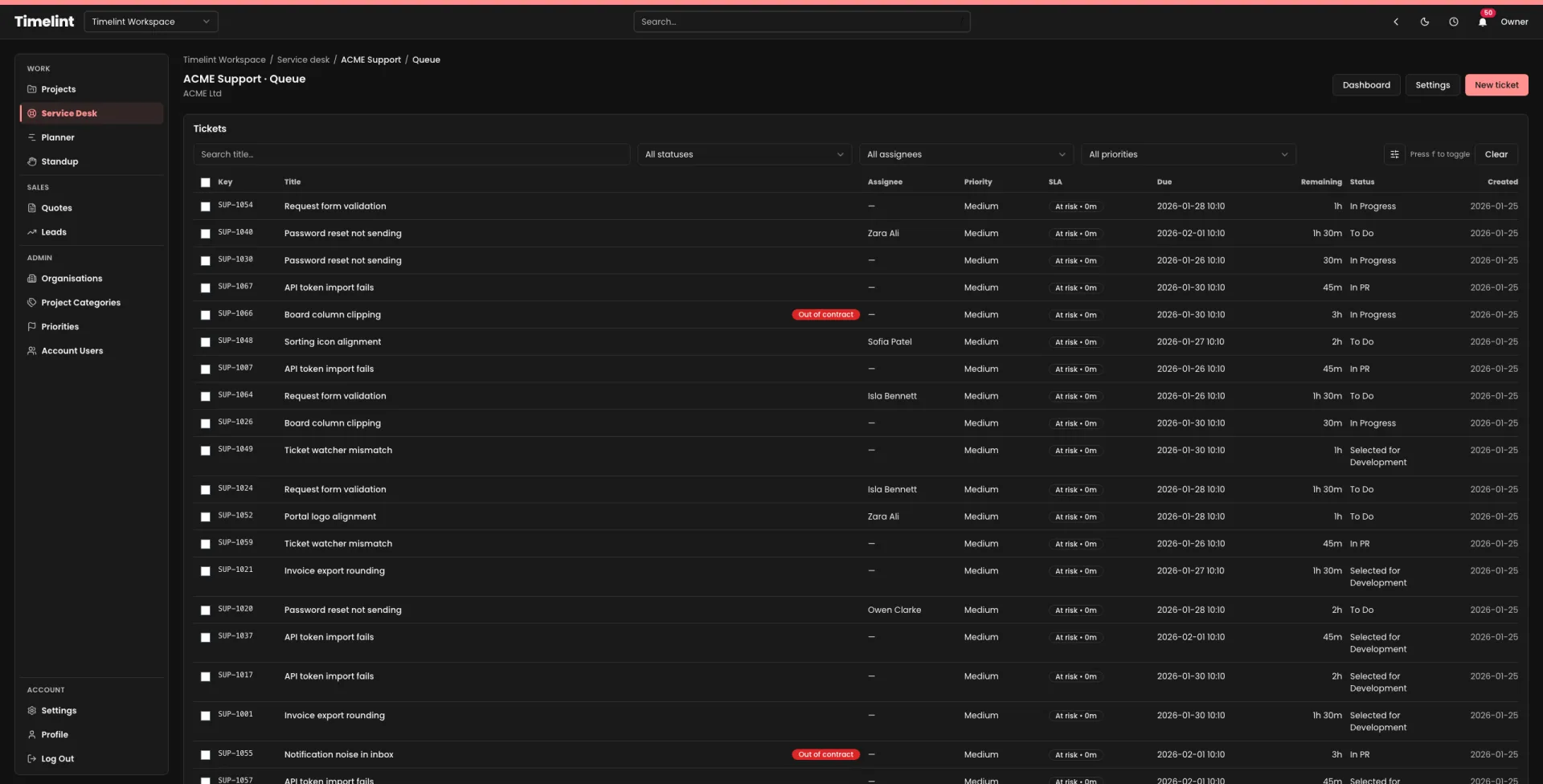
The checklist
1) Clarify the request (one pass only)
- Can you restate the request in one sentence?
- Do you have URL/environment and steps to reproduce (if bug)?
- Is there a screenshot/video?
If not: ask the smallest set of questions that unlocks routing.
2) Route it correctly
- Bug / Change / Question / Access / Performance / Content
- Which project/service does it belong to?
- Is there a dependency on a third party?
3) Set priority (make it boring)
- Low / Medium / High
- What user impact would justify “High”?
4) Assign an owner
- One person owns the next step.
- If it’s truly unowned, explicitly mark it as unassigned (don’t let it drift).
5) Write the next visible step
Examples:
- “Reproduce in staging and confirm scope.”
- “Request credentials from client and verify access.”
- “Estimate + propose options (A/B) with tradeoffs.”
6) Protect the retainer boundary
- In contract / Out of contract / Unknown
- If unknown: ask once and flag it early.
7) SLA / first response hygiene
- Has the client been acknowledged?
- Did you set expectations (what happens next + when you’ll reply)?
If you want triage, SLA visibility, and contract hours in the same workflow as delivery, see: Service desk inside projects.