Support intake falls apart when it’s either:
- too short (you spend the next three messages asking for basics), or
- too long (clients pick “Other” and paste an essay anyway).
This template aims for fast triage: enough structure to route work correctly, without turning the form into a questionnaire.
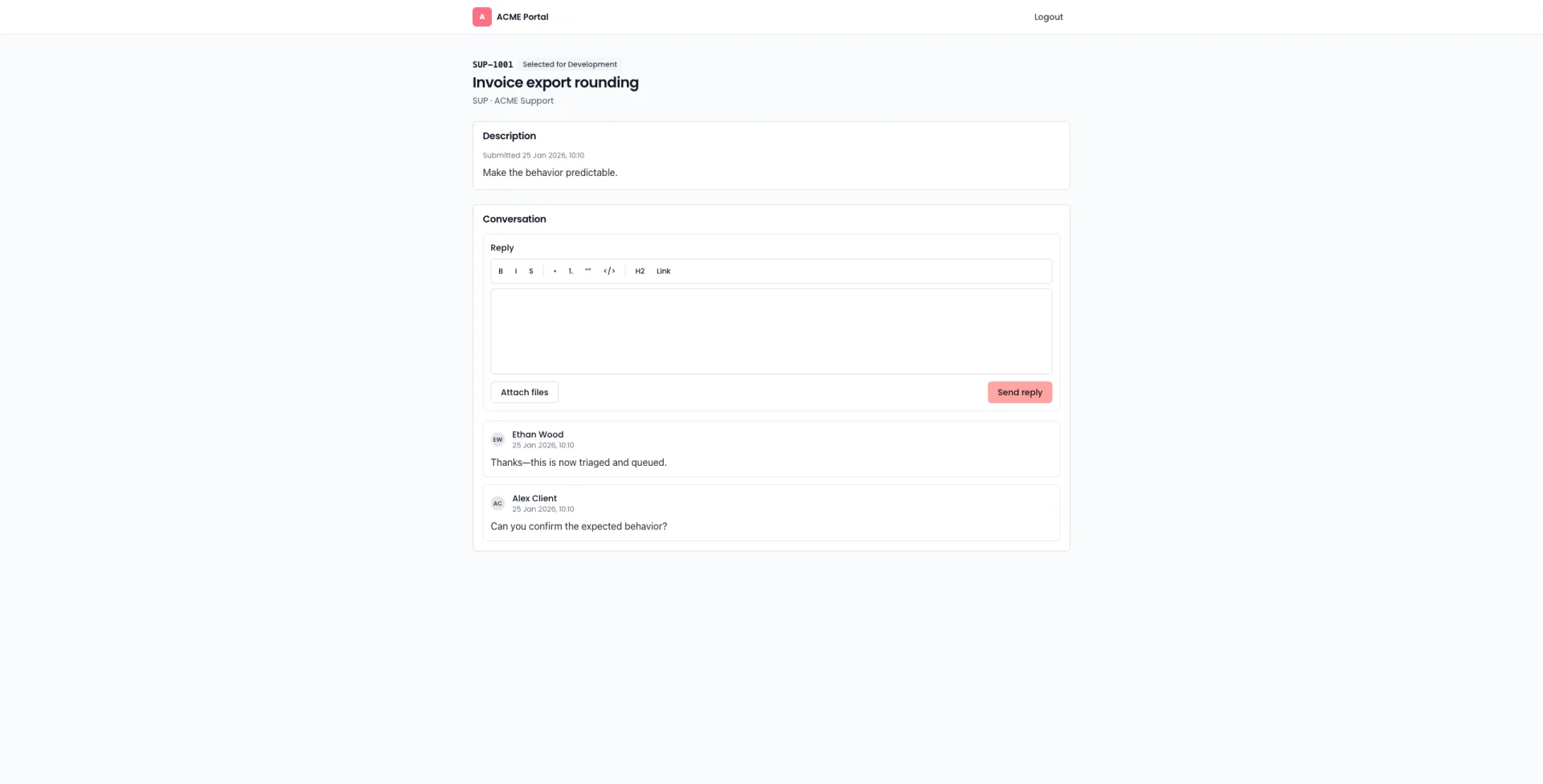
This is a copy/paste template. Timelint doesn’t currently let you create custom portal form templates; use this as the structure for your intake and triage.
The template
Contact details
- Name
- Company / Organisation
- Preferred contact method: Email / Portal
Request summary
- Title (one line): “Can’t log in”, “Bug on pricing page”, “Add field to form”
- Type: Bug / Change / Question / Access / Performance / Content
- Urgency (client’s view): Low / Medium / High
What’s happening
- What you expected: (one sentence)
- What happened instead: (one sentence)
- When did it start: date/time
Where it happens
- URL(s):
- Environment: Production / Staging / Other
- Affected users: One person / A few / Everyone
Steps to reproduce (if bug)
- …
- …
- …
Attachments
- Screenshot / screen recording
- Any error message text (copy/paste)
Access (only if needed)
- Do you have login credentials we can use? Yes / No
- If yes, where should we securely receive them?
Triage rules (internal)
When a request comes in, decide:
- Is it in contract? If unclear, ask once and flag it.
- Is it blocked on access? If yes, request access immediately.
- What’s the “next visible step”? Assign an owner and make the next step explicit.
If you want this intake to land directly in a queue with ownership, SLA visibility, and contract hours, see: Service desk inside projects.