Statuses drift when they’re vibes-based. The solution is short definitions and simple rules.
Use this template to standardise boards across projects so “Done” and “Blocked” mean the same thing everywhere.
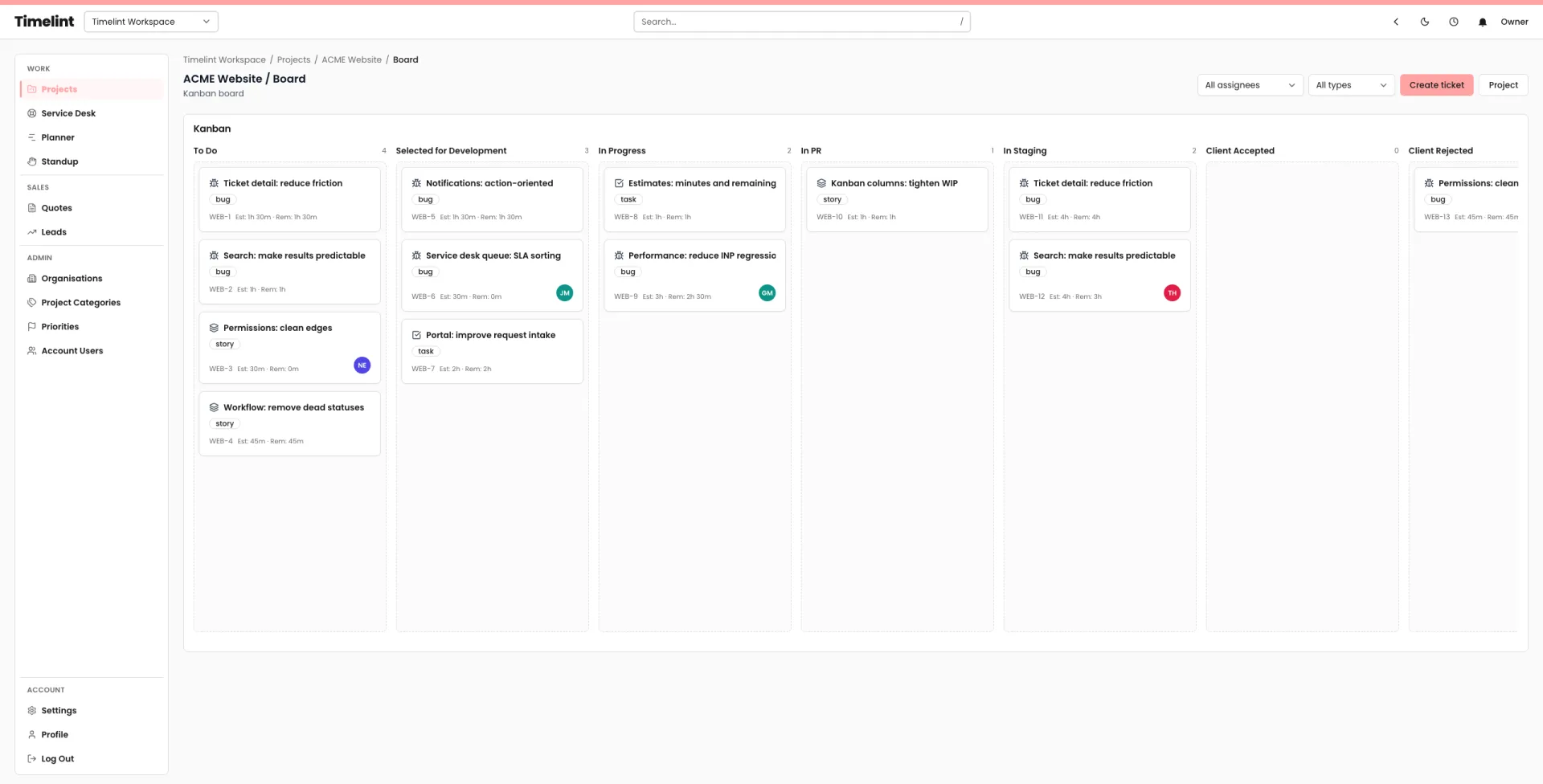
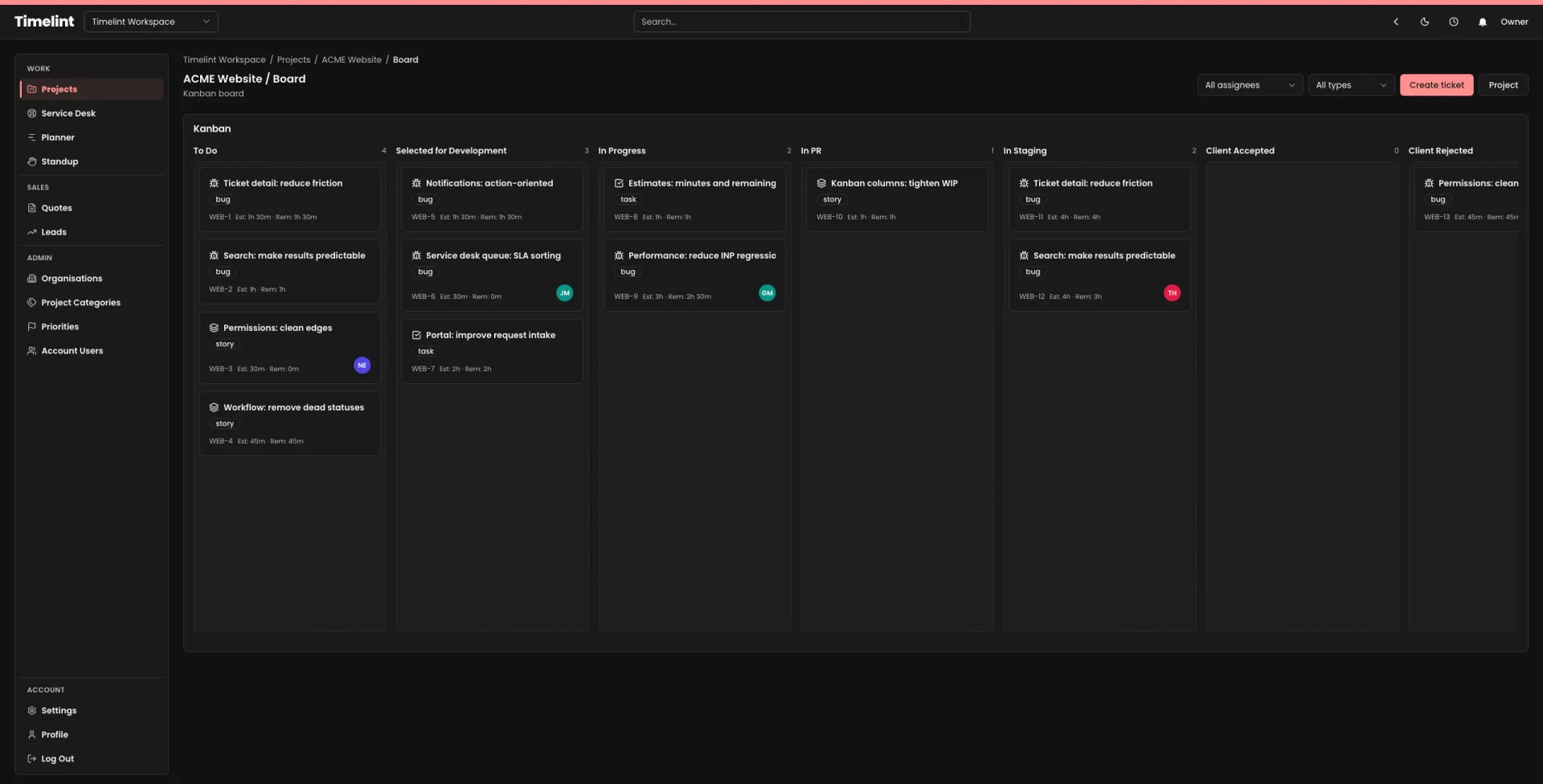
The template
Backlog
- Meaning: Approved work that is not started.
- Entry: Request is clear enough to estimate/plan.
- Exit: Pulled into “In progress” with an owner.
In progress
- Meaning: Someone is actively working on it now.
- Entry: Owner assigned; next step defined.
- Exit: Ready for review / QA.
Blocked
- Meaning: Work cannot proceed due to a specific blocker.
- Entry: Blocker is written as a sentence + named owner to unblock.
- Exit: Blocker removed; move back to “In progress”.
Review / QA
- Meaning: Work is done but needs checking.
- Entry: Implementation complete; acceptance criteria met.
- Exit: Approved; move to “Done”.
Done
- Meaning: Delivered and communicated.
- Entry: Released/merged/shipped; client updated if needed.
- Exit: None.
If you want these statuses to start consistent across projects without endless configuration, build around a ticket-first workflow and templates (this is where Jira-style systems shine). See: Jira alternative for agencies.