The biggest Jira problem for agencies is not tickets. It’s configuration sprawl.
Before you migrate, simplify the workflow so it’s consistent and teachable.
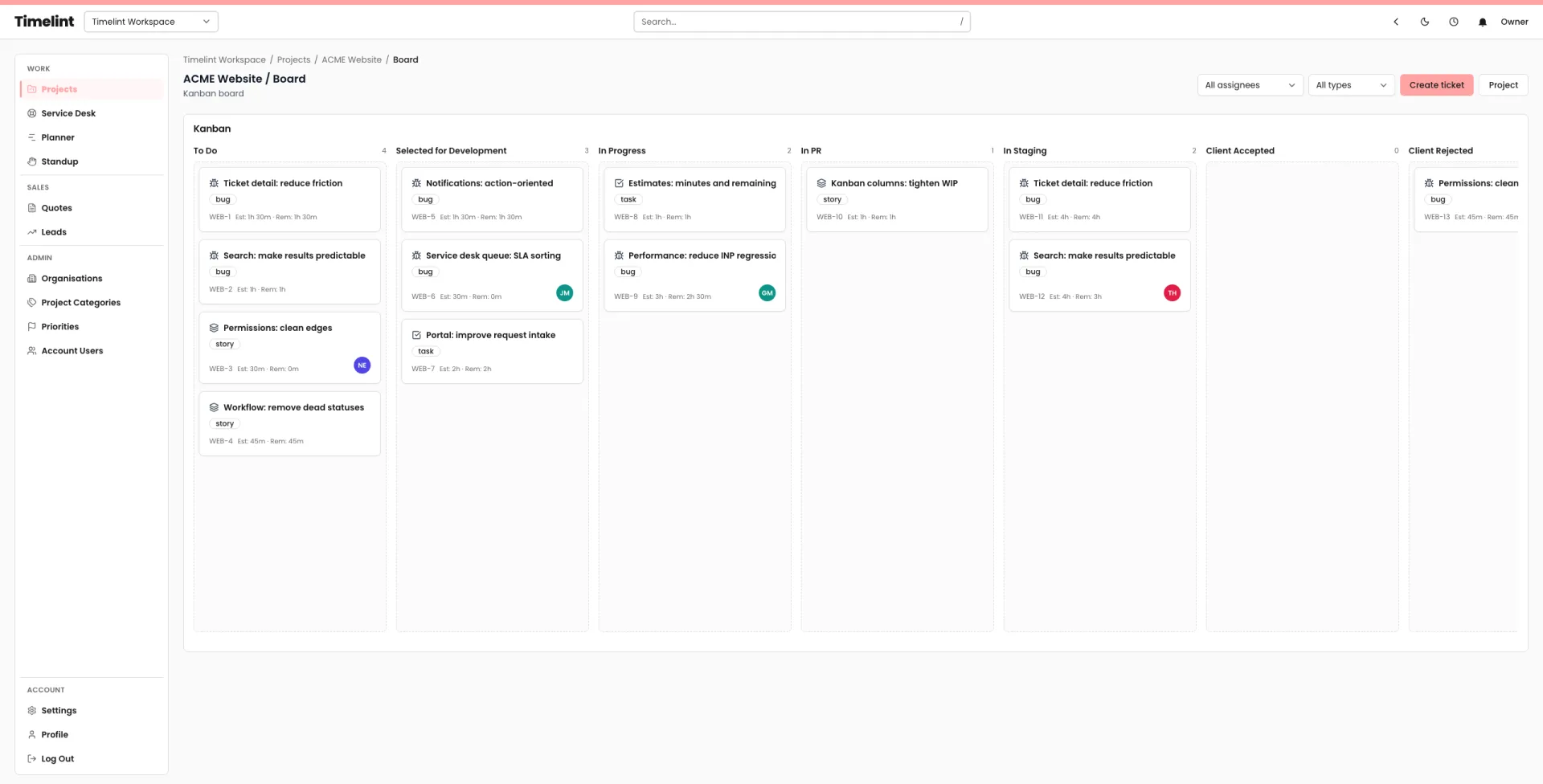
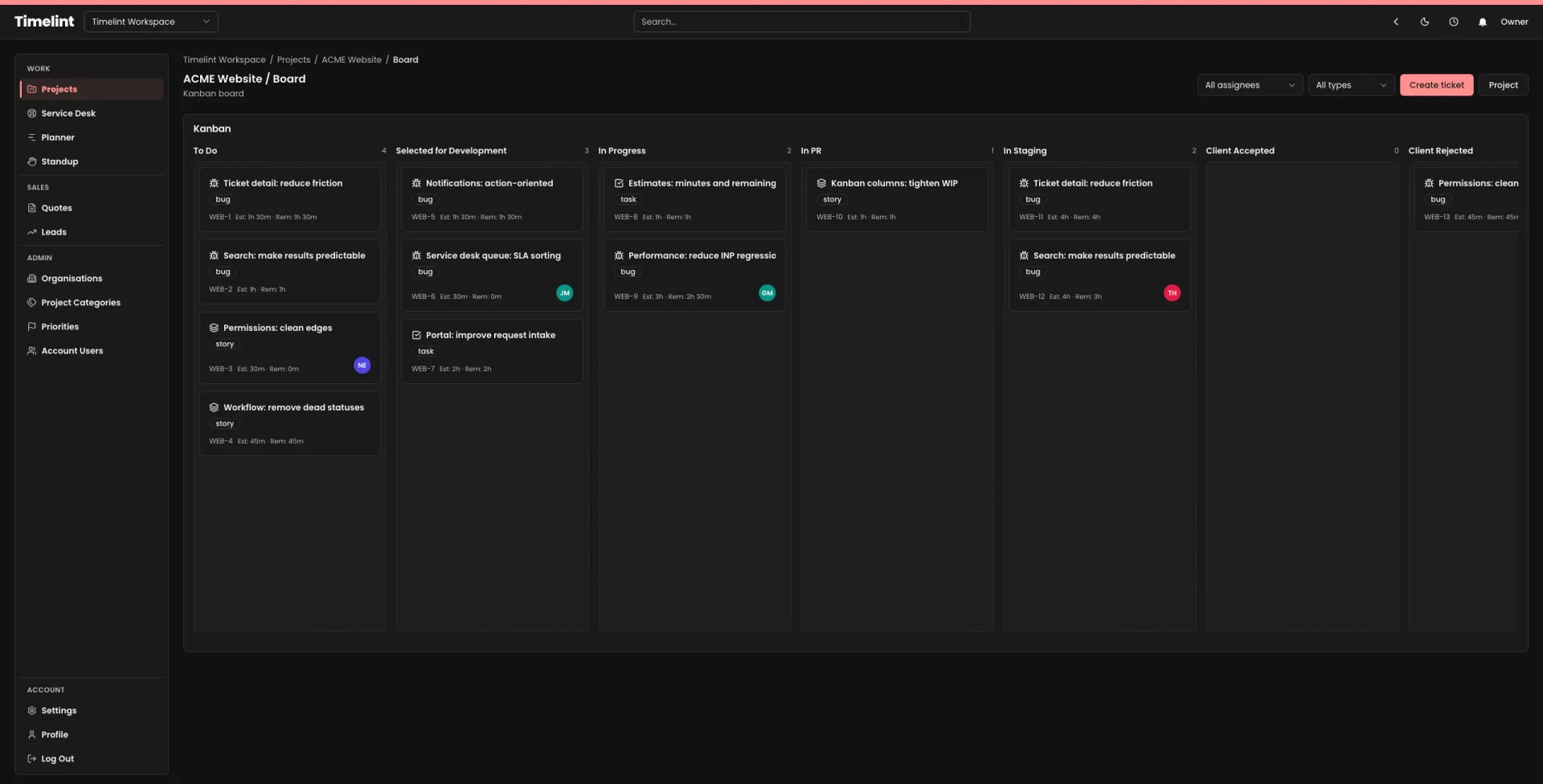
Step 1: Pick a small set of statuses
A solid default:
- Backlog
- In progress
- Blocked
- Review / QA
- Done
Step 2: Define entry/exit rules
Write one sentence for each status, plus:
- what must be true to enter,
- what must be true to leave.
Step 3: Stop per-project “special statuses”
If a status exists for one client, it’s usually a process smell.
Prefer:
- labels/tags,
- a clear “blocked” reason,
- or a short policy in Resources.
If you want a ticket-first workflow that stays coherent, see: Jira alternative for agencies.