Timesheets go bad quietly.
The problem is rarely capture alone. It is the missing review loop after capture:
- vague notes
- time logged to the wrong project
- support work that is drifting past the retainer boundary
- exports that need spreadsheet cleanup at the last minute
Run this ritual once a week with the person who owns delivery, support, or finance review.
The ritual (15 minutes)
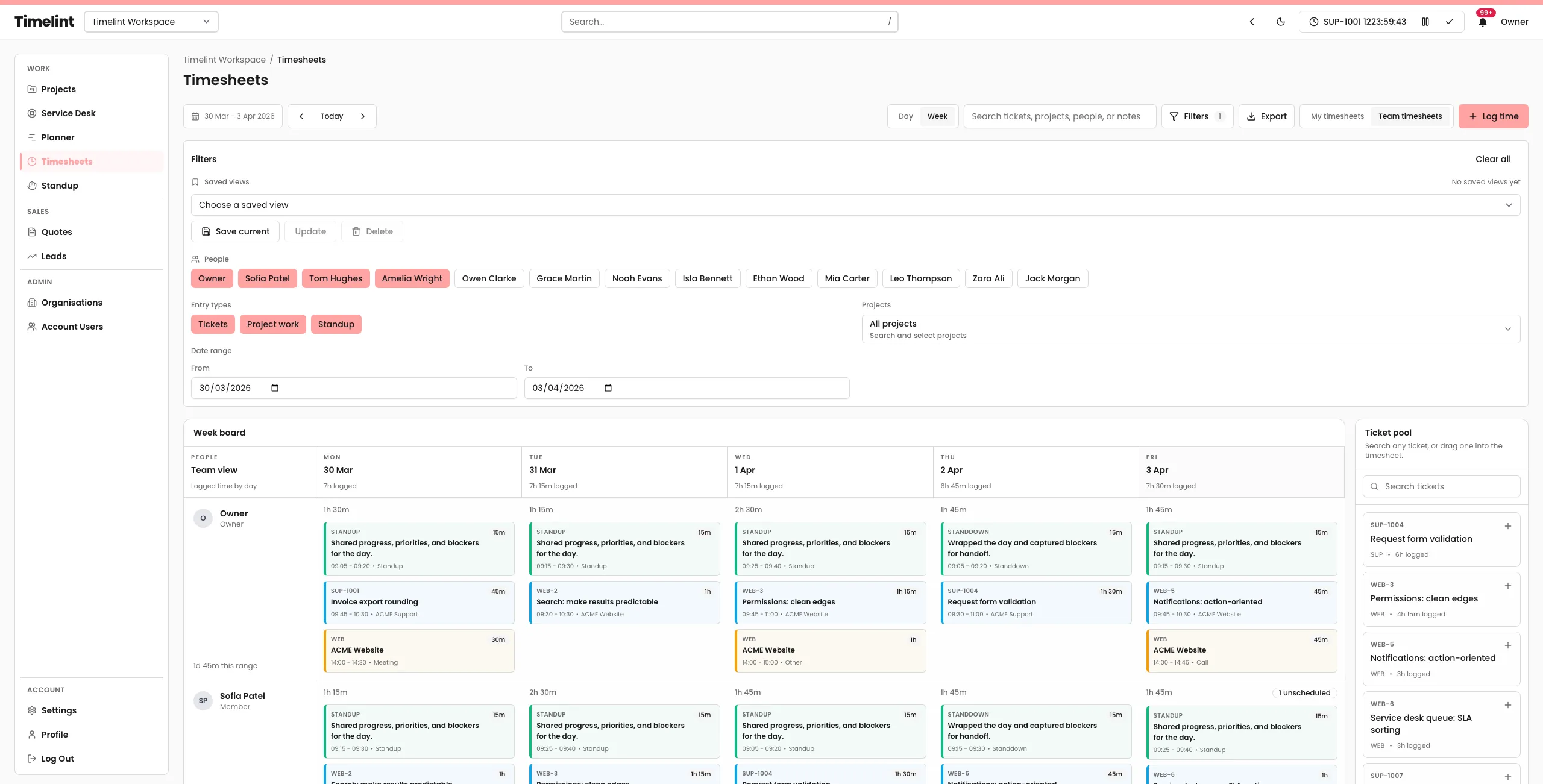
1) Review the week by date range
- Open the weekly timesheet range.
- Filter to the team, project, or support slice you care about.
- Save the view if this is a repeated review pattern.
2) Fix unclear entries
- Any entries without a useful note?
- Any time logged to the wrong project or ticket?
- Any obvious overlaps or gaps?
The rule: if finance or the client would ask “what was this?”, the note needs work.
3) Check support retainer drift
- Which tickets are burning support hours fastest?
- Are remaining hours still accurate?
- Is any work now clearly out of contract?
4) Export the filtered view
- Export the exact slice you reviewed.
- Keep the filename tied to the week or retainer period.
- Avoid rebuilding the report in a spreadsheet unless you have to.
What this ritual protects
- cleaner payroll review
- calmer client reconciliation
- clearer retainer boundaries
- fewer arguments over vague time notes
If you want the timer, timesheets, and export to stay attached to tickets, see: Ticket-based time tracking for agencies.