Weekly updates work when they reduce ambiguity. Not when they create another thread.
This template is built for agency delivery: clear outcomes, clear next steps, and a short list of decisions. Copy it as-is.
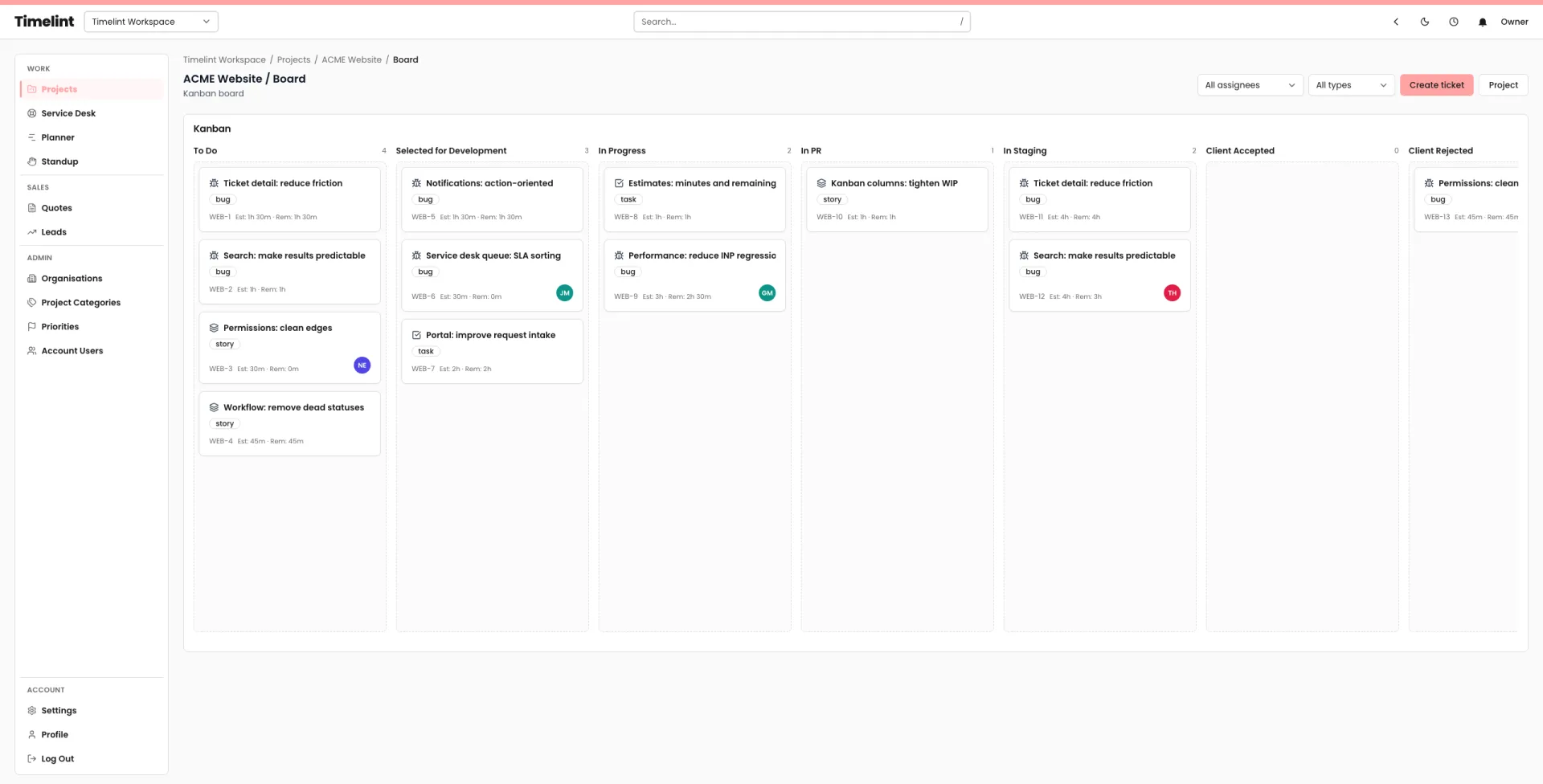
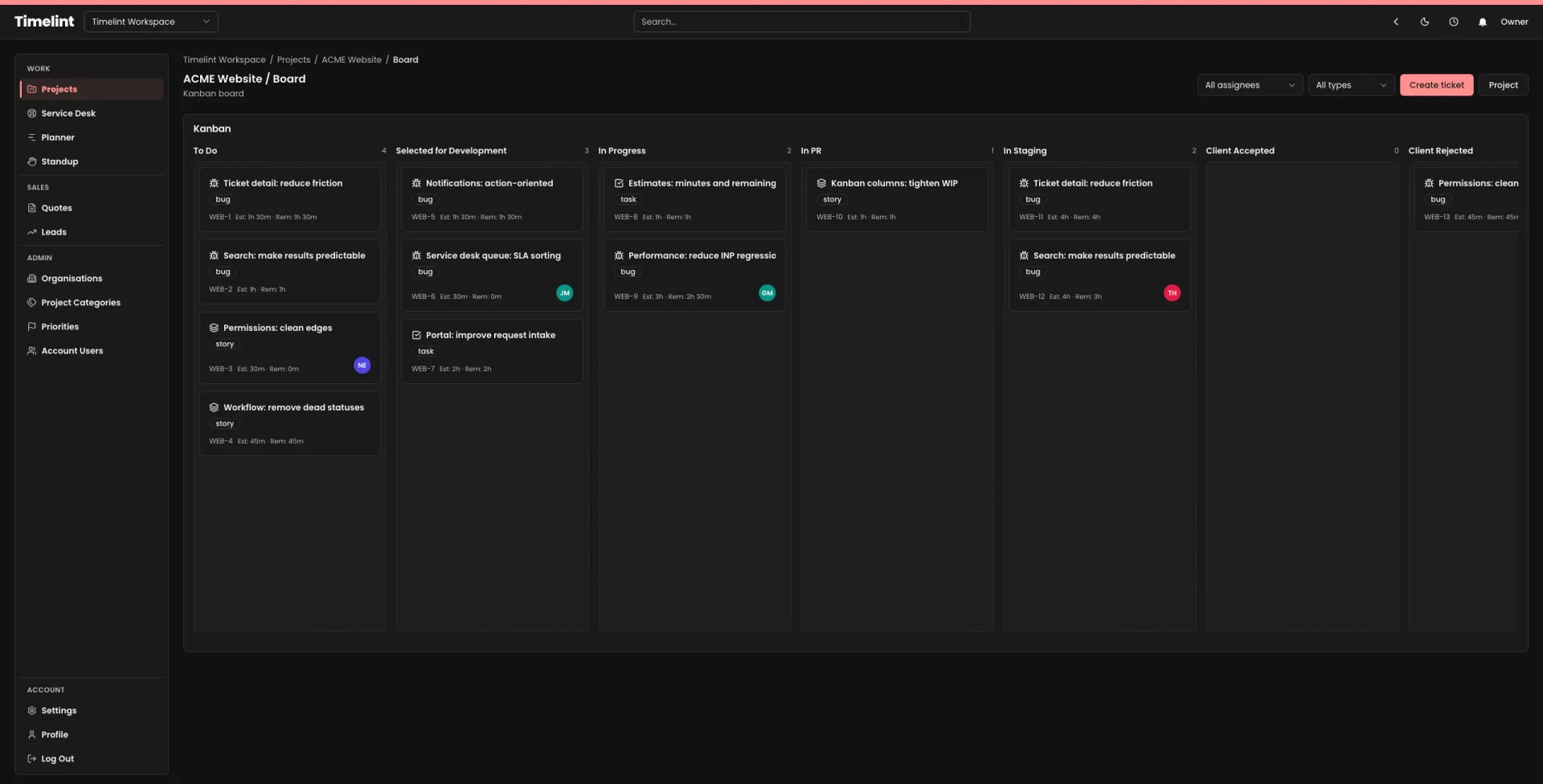
The template
Summary (3–5 lines)
- Overall status: Green / Amber / Red
- This week: what changed
- Next week: what you plan to ship
- Help needed: decisions or access blockers
Shipped (completed)
[Ticket key]Outcome in plain language (link)[Ticket key]Outcome in plain language (link)
In progress (work in flight)
[Ticket key]What’s happening + ETA[Ticket key]What’s happening + ETA
Next up (planned)
[Ticket key]Why it matters[Ticket key]Why it matters
Blockers (be explicit)
- Blocker: what’s blocked
- Owner: who can unblock it
- What we need: the decision/info/access
- Impact: what slips if it doesn’t happen
Decisions needed
- Decision: question in one line
- Options: A / B / C (one line each)
- Recommendation: what you think and why
- Deadline: date
Risks and scope changes
- Risk/scope change: what changed
- Impact: timeline / cost / quality
- Mitigation: what you’re doing about it
Links
- Board:
[link] - Release notes:
[link] - Key tickets:
[link]
How to make it work
- Keep the update ticket-first. If it can’t link to a ticket, it’s probably not concrete enough.
- Keep work in flight finite. If “in progress” is a graveyard, status becomes meaningless.
- Use the same structure every week. Consistency is the product.
If you want to cut status emails down further, a client portal helps: requests in, status out. See Client portal.