Import from Jira.
Move issues into a Jira-style workflow that’s easier to navigate. Keep what you use. Strip unused fields. Switch without re-learning.
- Jira-style tickets and statuses.
- Cleaner defaults.
- Agency-ready portal and service desk.
- Start with familiar nouns.
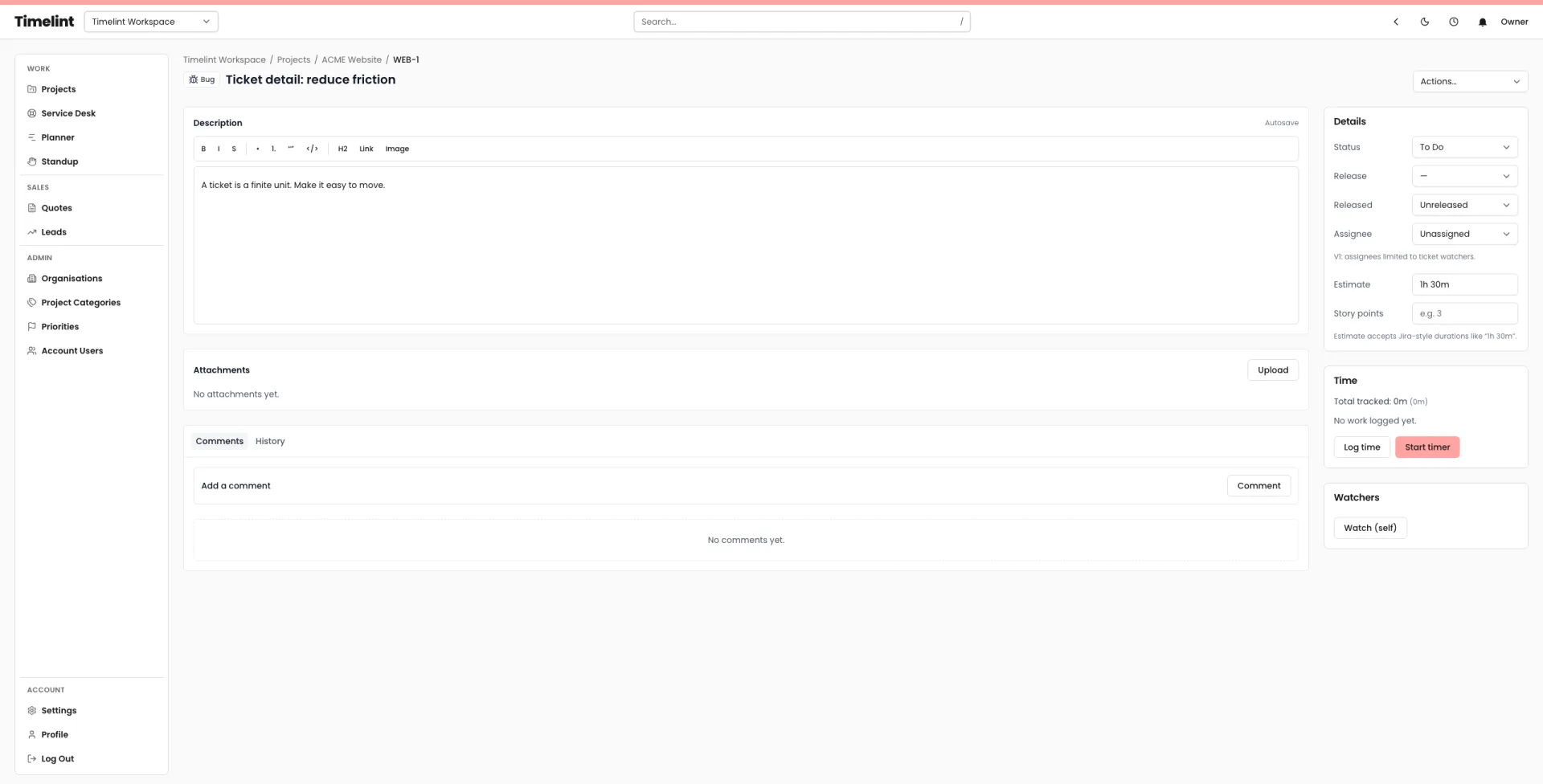
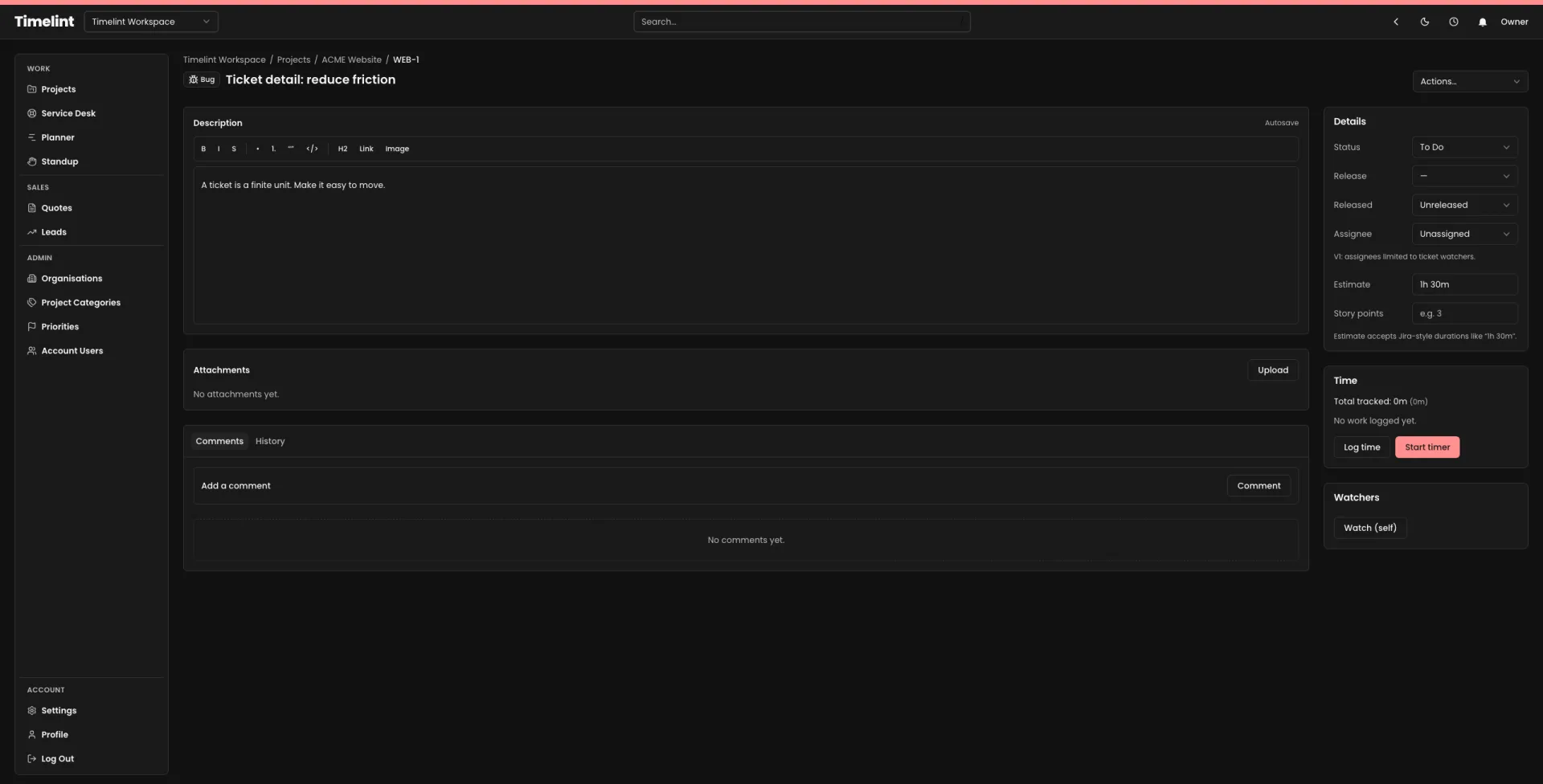
Switch without a rewrite.
Start with familiar nouns. Keep the workflow tight. Simplify the parts that became a burden.
Move active projects and active support work. Leave historical weight behind unless you truly need it.
- Active tickets and their context.
- A small, clear workflow (statuses that mean something).
- Permissions with clean edges.
- Client-facing access through the portal.
A clean cutover is not a big-bang import. It’s a controlled change you can keep up to date.
-
1Import
Bring issues across so your team lands in a familiar ticket-first workspace.
-
2Trim
Keep the fields you actually use. Drop the configuration sprawl.
-
3Standardise
Set a clean workflow and permissions that stay predictable as you grow.
Keep shape. Gain speed.
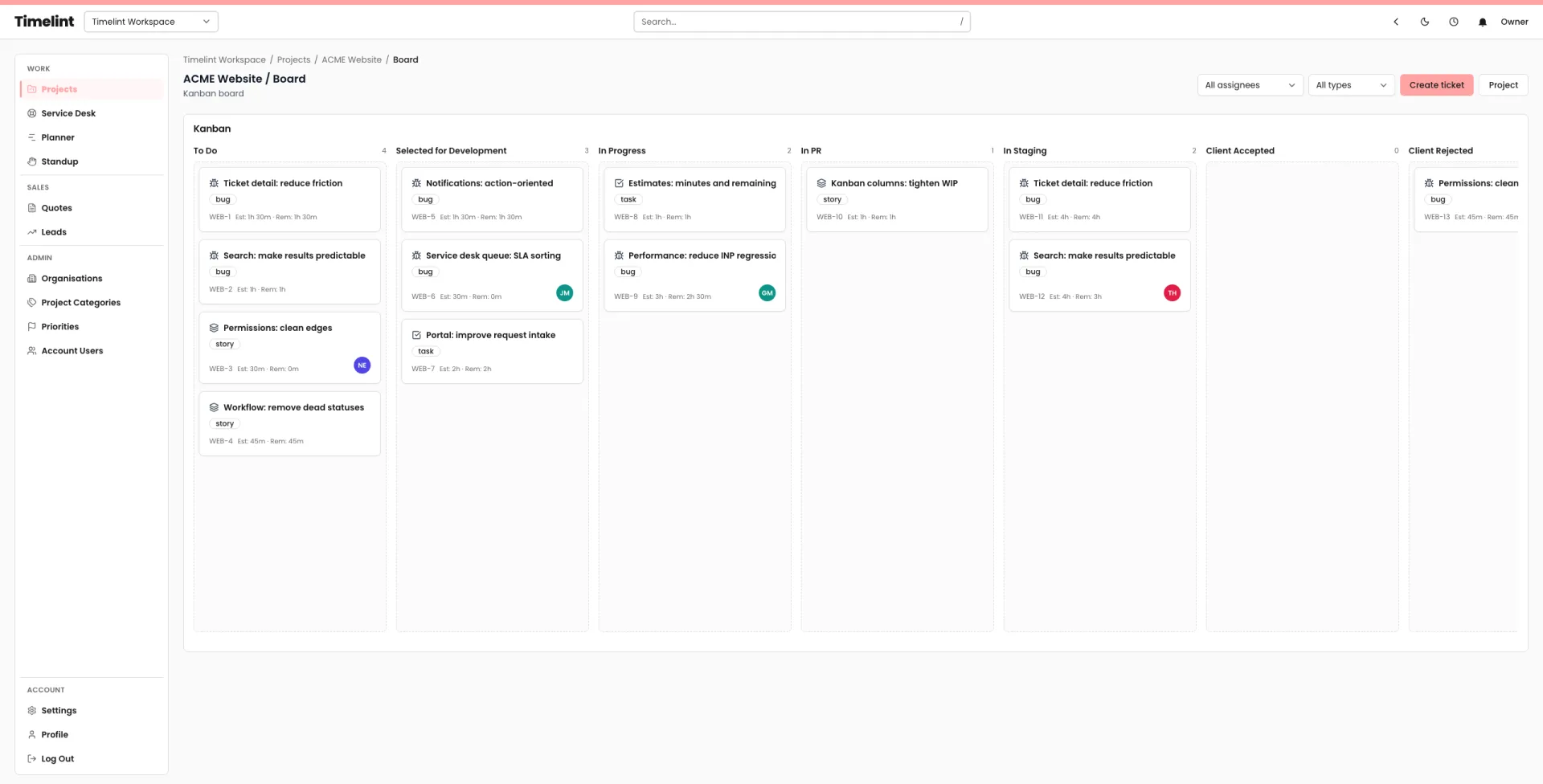
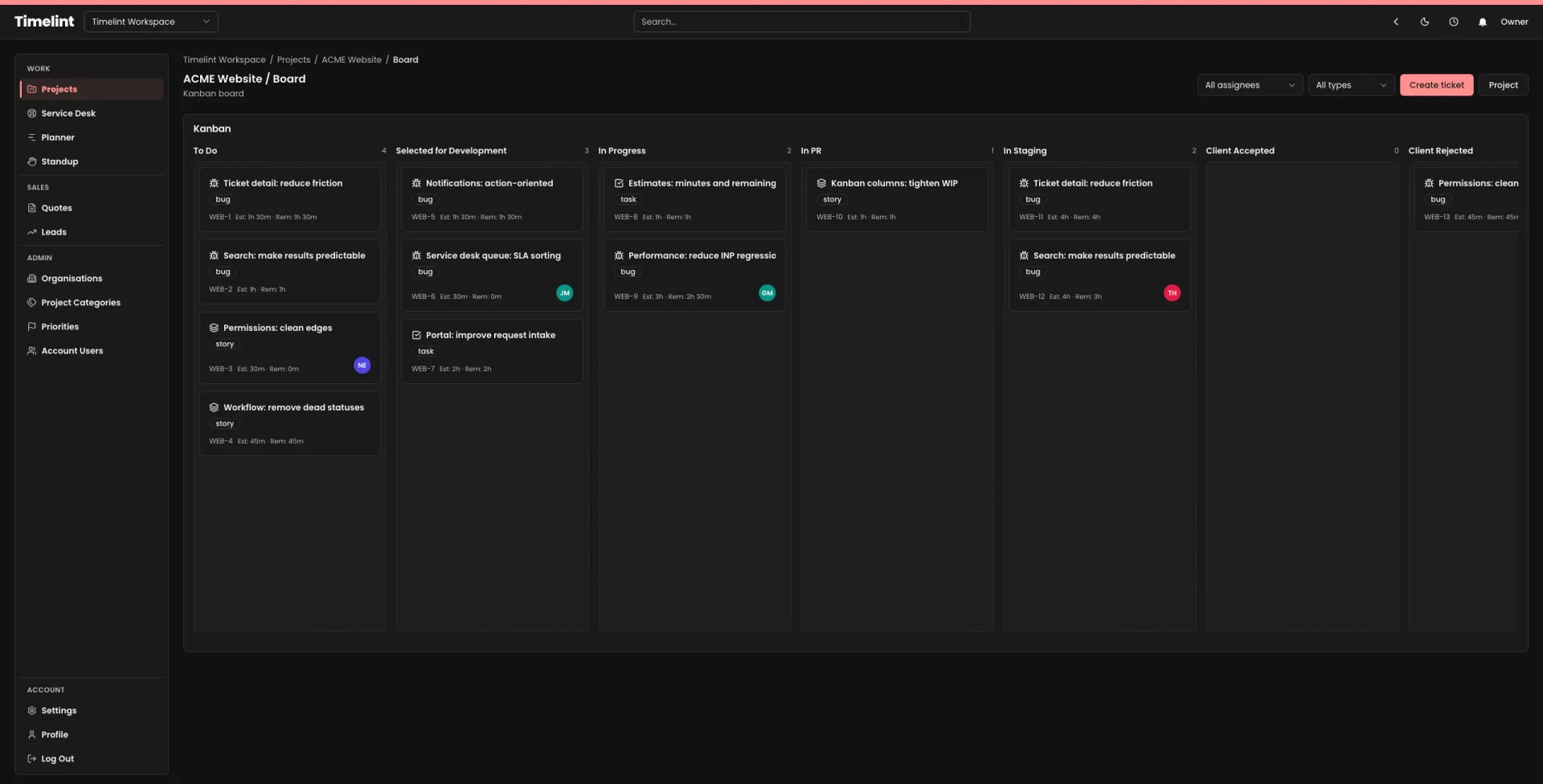
Boards and tickets should feel familiar. The difference is how fast you can move through them.
- Issue keys that read like tickets.
- Workflows that hold shape.
- Fast navigation, less admin.
Import resources (checklists + guides)
A calm migration is mostly deciding what to keep and what to drop.
Related docs
How to land in a workflow that stays coherent after the import.
FAQ
Answers to common questions. Keyboard-friendly and accessible by default.
Do we have to re-learn everything? +
Should we migrate everything? +
What about clients? +
Can we still run a service desk? +
Switch without a rewrite
Import from Jira and land in a workflow your team can keep up to date.