Jira vs Timelint.
Jira is powerful. Agencies often pay for it in admin time. Timelint keeps the ticket-first mental model and cuts the configuration sprawl.
- Same nouns: boards, tickets, workflows.
- Less configuration. Faster navigation.
- Client portal and service desk built in.
- Import from Jira.
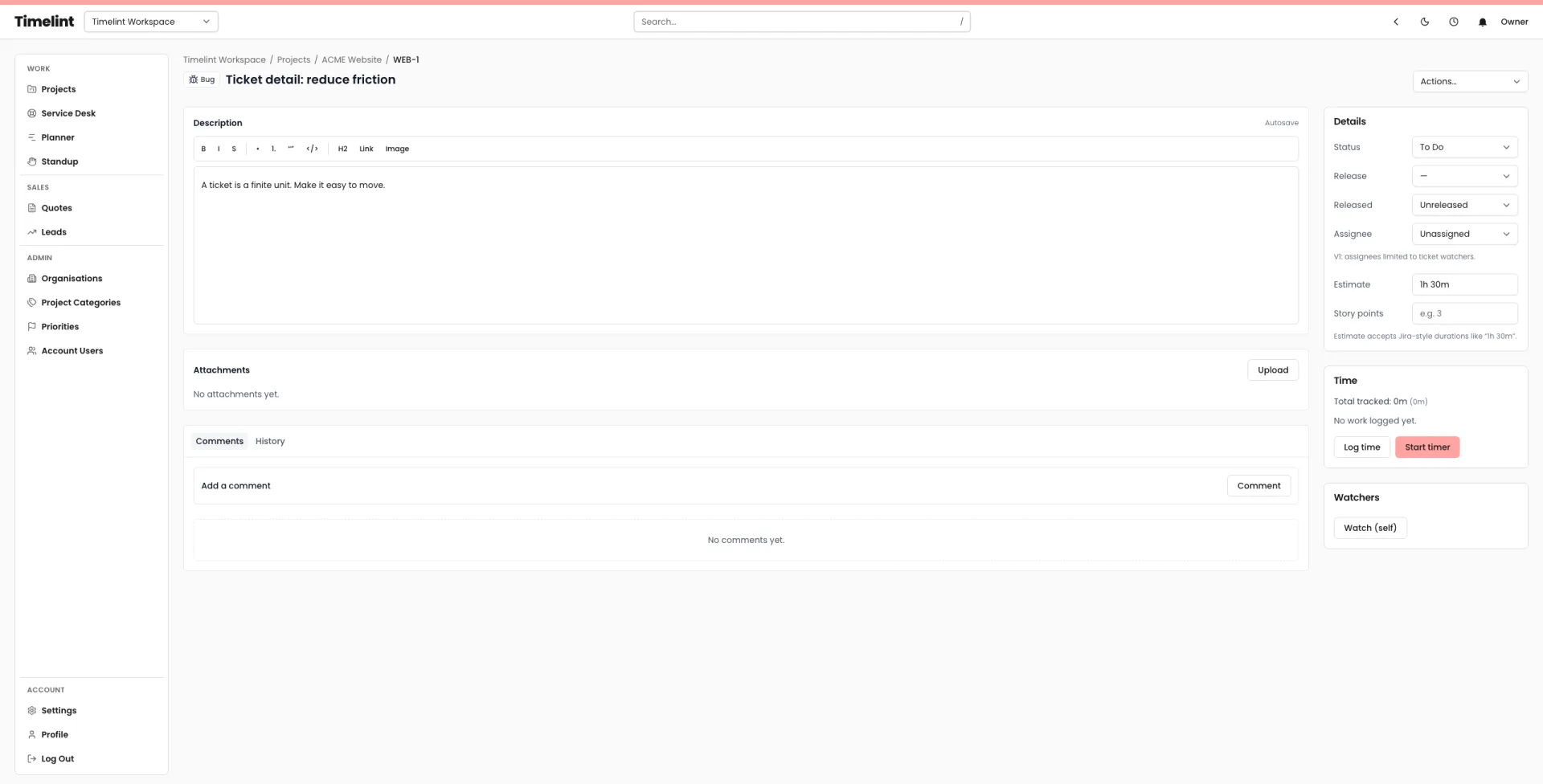
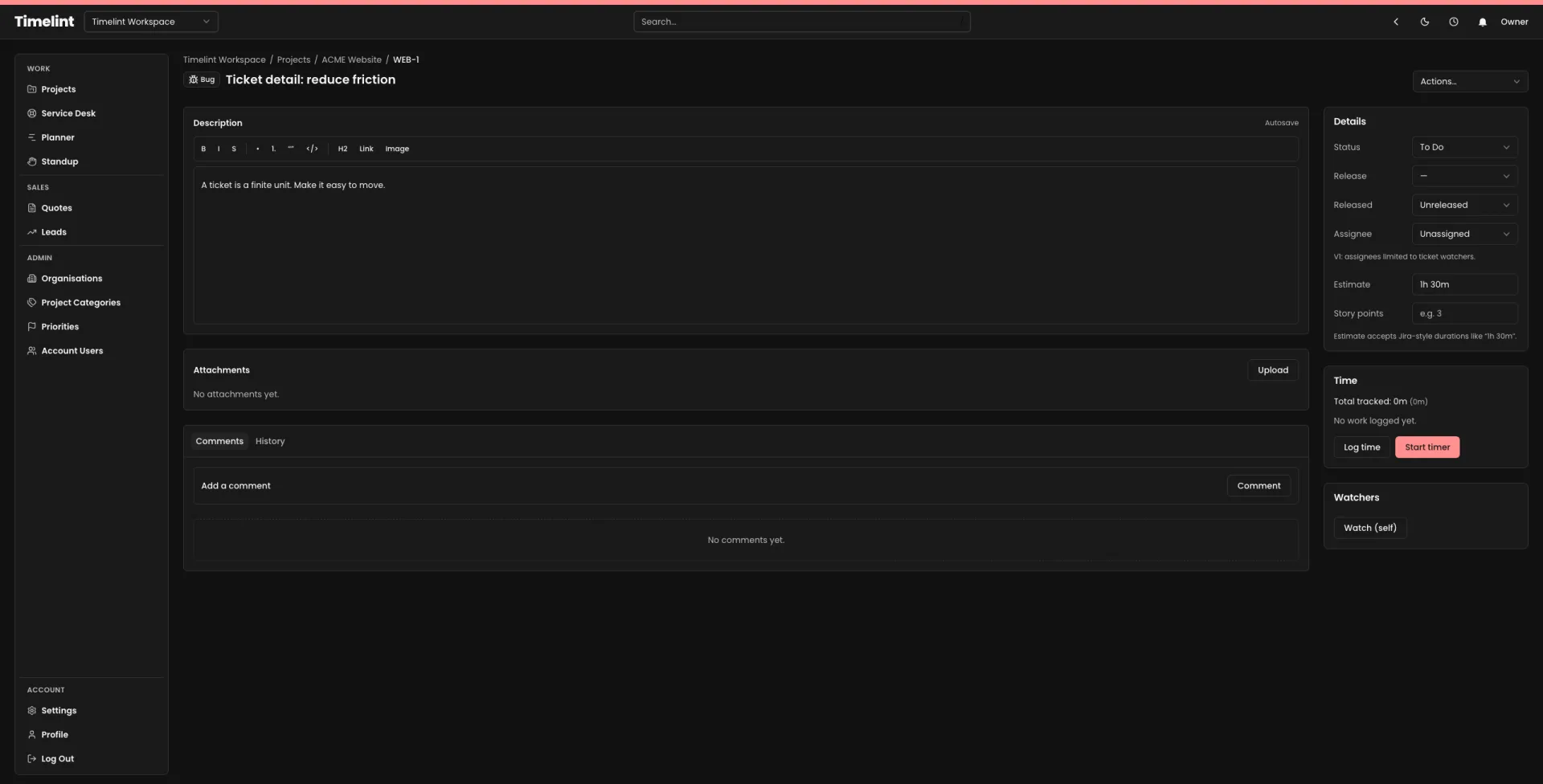
Same workflow. Less overhead.
If you like Jira’s shape but not Jira’s sprawl, that’s the point.
- – Powerful configuration, easy to overdo.
- – More time spent in settings.
- – More clicks to reach common actions.
- – Client experience often bolted on.
- ✓ Ticket-first defaults that hold shape.
- ✓ Clear pages and faster daily navigation.
- ✓ Predictable permissions with clean edges.
- ✓ Portal + service desk designed for agencies.
Jira vs Timelint
A quick comparison for agency workflows.
| Area | Jira | Timelint Recommended |
|---|---|---|
| Navigation | Deep settings. High context switching. | Clear surfaces. Fewer dead ends. |
| Permissions | Permission archaeology. | Predictable roles with clean edges. |
| Service desk | Separate products, separate mental models. | Built into projects. One workflow. |
| Client experience | Often bolted on. | Portal-first. Requests in, status out. |
When you should choose each
Be honest about the tradeoffs. The tool should fit how you work.
You need deep enterprise configuration and you’re willing to pay the admin cost.
- You want the full Atlassian stack.
- You have dedicated Jira admins.
- You need highly customised workflows across many teams.
You’re an agency that wants a Jira-style ticket system that stays simple and fast.
-
1Delivery + support in one workflow
Service desk is a project capability. Requests land in the same statuses as delivery.
-
2Client portal built in
Requests in, status out, with predictable per-contact access.
-
3Ticket-first time tracking
Time stays attached to tickets. Notes are required so logs stay auditable.
FAQ
Answers to common questions. Keyboard-friendly and accessible by default.
Does Timelint replace Jira for agencies? +
Can we import from Jira? +
Does Timelint include a service desk? +
Do clients get access? +
Switch without re-learning.
A Jira-style workflow for agencies, designed to stay coherent.