ClickUp vs Timelint.
ClickUp is flexible. Agencies often feel that flexibility as complexity. Timelint is opinionated: ticket-first, fast navigation, and clean boundaries.
- Ticket-first workflow.
- Predictable permissions.
- Client portal built for tickets.
- Service desk inside projects.
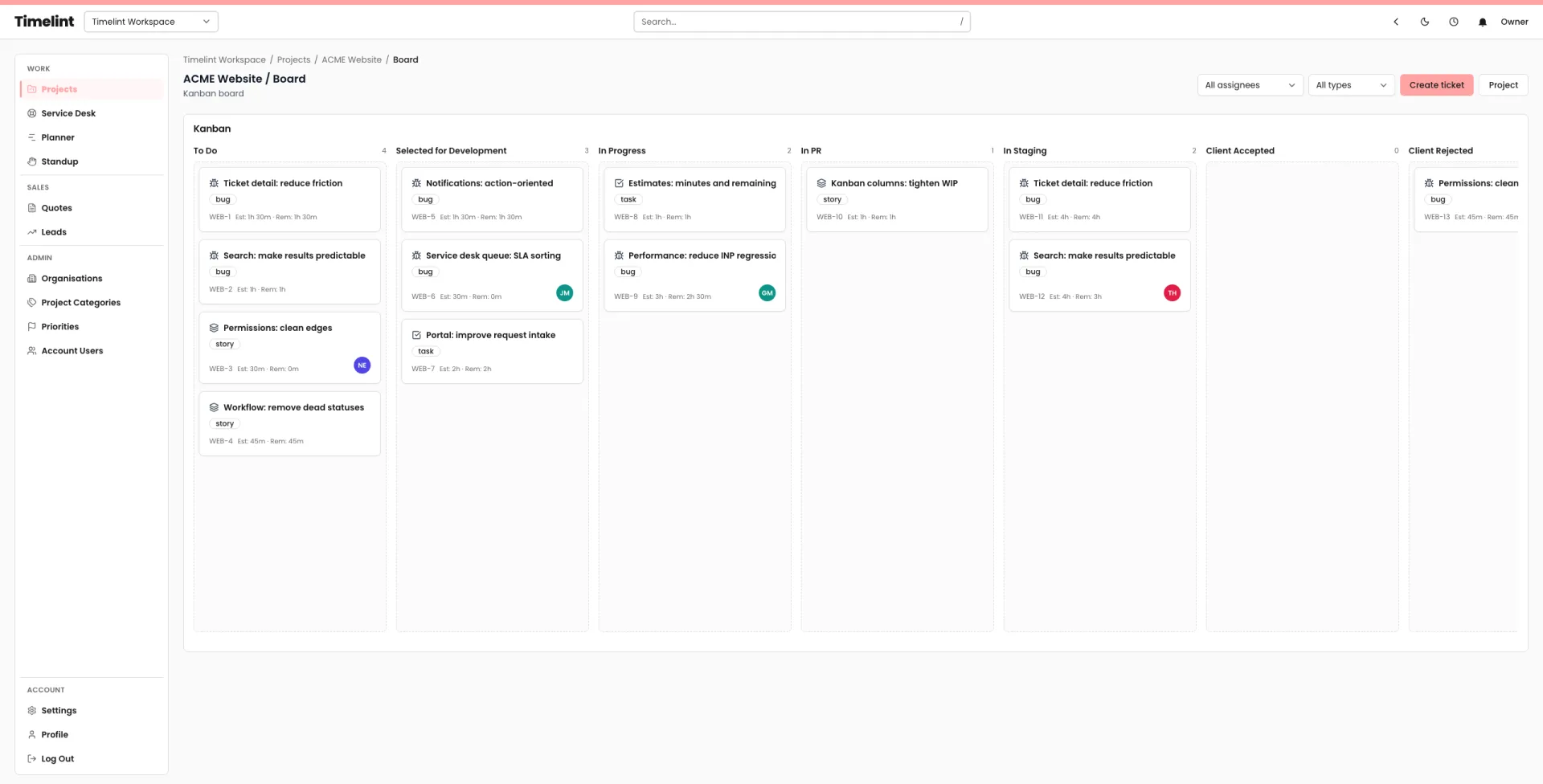
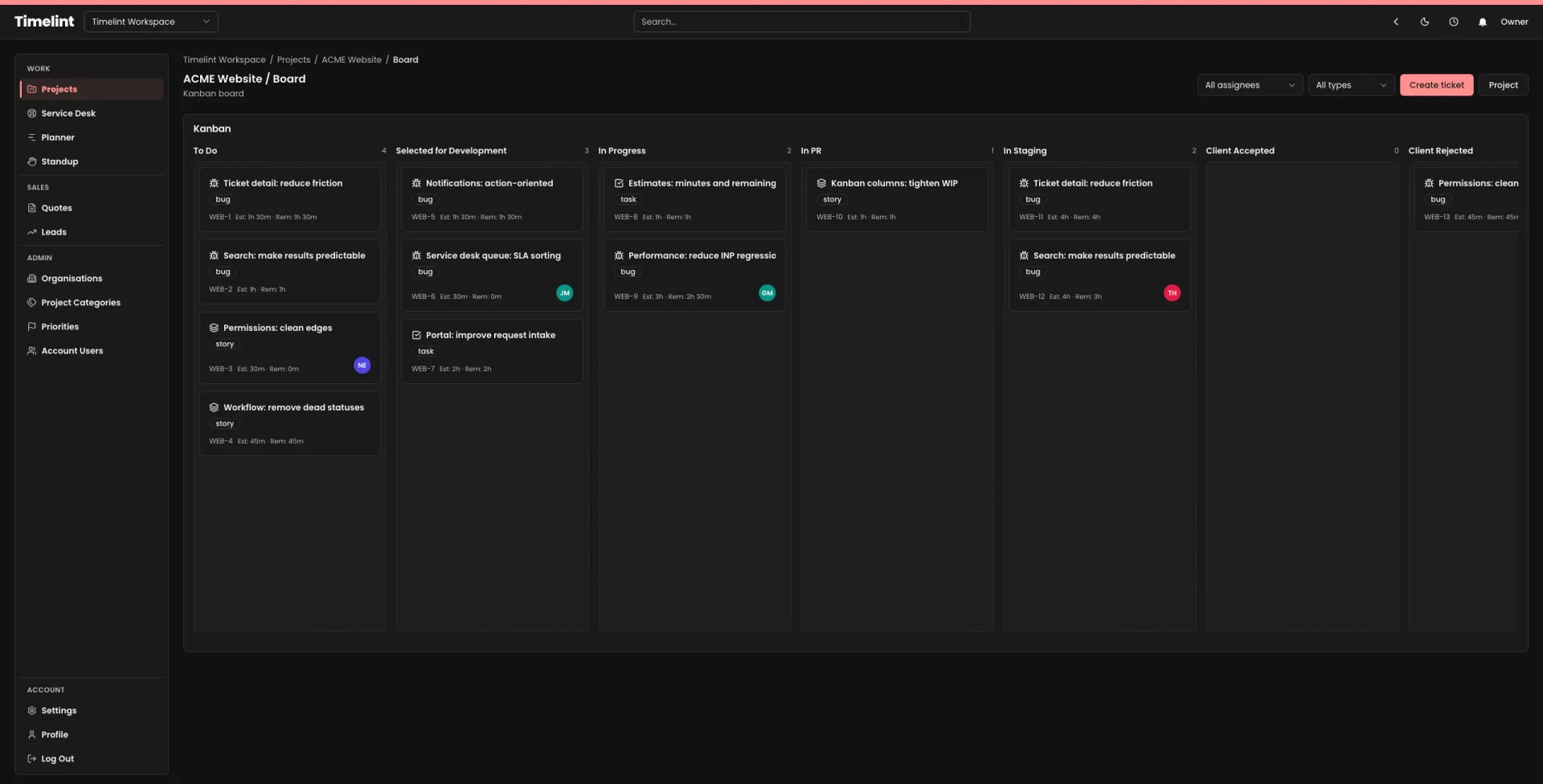
Flexibility vs coherence
The goal is a system your team can keep up to date, not a system you can configure forever.
- – Flexible structure.
- – Easy to drift into inconsistency.
- – More time spent maintaining the system.
- – Client workflows vary by setup.
- ✓ Ticket-first defaults.
- ✓ Workflows that hold shape.
- ✓ Fewer clicks for daily work.
- ✓ Portal + service desk designed for agencies.
Designed around tickets
If your work is tickets, the tool should be ticket-shaped.
Fast triage and planning without burying the work in layers.
Statuses that match how you ship. Keep the backlog finite.
Requests in, status out. One thread per ticket.
Queue, triage, SLA, and ownership inside projects.
Ticket-based time tracking with required notes.
Capacity planning tied to tickets, not duplicated tasks.
FAQ
Answers to common questions. Keyboard-friendly and accessible by default.
Is Timelint a ClickUp replacement? +
Do you include a client portal? +
Do you include a service desk? +
Is it still flexible? +
Choose a workflow you can keep up to date
Ticket-first project management for agencies.